Class Tech Tips Blog

Each week you’ll find new blog posts featuring lesson ideas, new EdTech tools, and ways to use technology in your K-12 classroom. Don’t forget to use the search bar on the blog, too!

Spark Page to Publish Google Docs: A Must-Try Combo!

This week I spoke at and event for New York educators about how to turn students into creators with Google Apps and Google-friendly tools. We discussed the power of giving students an audience for their work and strategies for supporting students during the process. Part of our session included tips for collaboration and planning on Google Docs before shifting our focus on how to take the work out of a closed ecosystem and…
Read More »
Free Webinar Student Engagement Tips + Strategies for K-12 Readers 3

Free Webinar: Student Engagement Tips + Strategies for K-12 Readers

This September, I’m excited to lead a new webinar on student engagement on behalf of the folks at Big Universe. It’s titled Student Engagement: Tips + Strategies for K-12 Readers and will take place on Wednesday, September 13th from 2:00 to 3:00 PM ET. The start of a new school year provides a great opportunity to share new techniques and strategies for student engagement with…

Read More »
Online Math Tutoring with Zeal Learning

Online Math Tutoring with Zeal Learning

Last year Zeal learning served over 40,000 students with their online math tutoring service. Zeal’s tutoring platform enables you to get live math tutoring for your students, grades K-8, on common core objectives, in your classroom. I connected with the folks at Zeal this summer and their approach is definitely unique – live math educators interacting with…

Read More »
ClassTag Parent Communication Tool to Help You Reach Every Family

ClassTag Parent Communication Tool Helps You Reach Families

Last year I was introduce to ClassTag and had a chance to connect with their team. It’s been lots of fun hearing about the ways teachers are using this parent communication tool in their classroom. As you can see in the video below, it is a popular tool in classrooms across the country and I even featured them in my…

Read More »

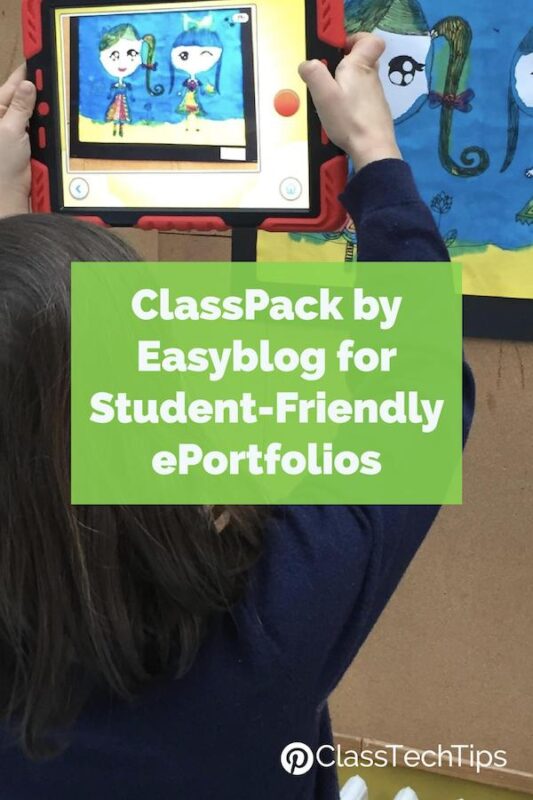
ClassPack by Easyblog for Student-Friendly ePortfolios

Are you looking for a way for students to capture their learning this school year? ClassPack by Easyblog lets students share text, photos, videos and more. Through snapshots and messages about their day, students can create ePortfolios that give them a space to celebrate their learning. It’s quick and easy and thanks to the…

Read More »
Webinar Series from iSpring for Online Teachers

Webinar Series from iSpring for Online Teachers

Teaching online this year? The folks at iSpring are hosting a series of ten webinars all about online learning. The series is titled Webinar Series: How to Create an Online Course and is totally free to join! These webinars were designed for anyone creating content for learners. They’ll start off exploring…

Read More »
10 Tips for Creating a Class Website with Spark Page 4

10 Tips for Creating a Class Website with Spark Page

Looking for a new way to share information with families? You can create a class website using the free, easy-to-use Spark Page. Perfect for teachers on Chromebooks, laptops, iPads and iPhones, this simple website creation tool is a fantastic choice for creating a classroom website. You might decide to…

Read More »

EDpuzzle K-12 Educational Videos for Students

This week I had the chance to connect with the awesome team behind EDpuzzle. If you haven’t heard of them before, EDpuzzle is resource for teachers and school with over 50,000 curated educational videos for students. With content to use with kindergarteners to high school students, there plenty to choose from across…

Read More »
Free Planning Pages
Free gift: Weekly Planner Pages for Teachers and Educators

Start every week with a plan and stay organized this school year!

Free summer Checklist

Sign up for EdTech Tips Newsletter from Monica Burns

5 Things to Do Now to Make Tech Easier in the New School Year

Free eBook
Free Gift: Spring Cleaning - 10 Quick Tips to Organize Your Google Drive

Spring Cleaning with an EdTech twist!