How to Take Your Students Around the World with AI – Easy EdTech Podcast 389
Explore global learning with AI through virtual field trips and creative classroom projects that take students around the world.

Explore global learning with AI through virtual field trips and creative classroom projects that take students around the world.
Dr. Stephen Hodges shares how AI can supercharge education through flipped classrooms, personalized learning, and thoughtful implementation.
Learn how to use Gemini Notebook in the classroom for lesson prep, student resources, audio overviews, slides, and infographics.
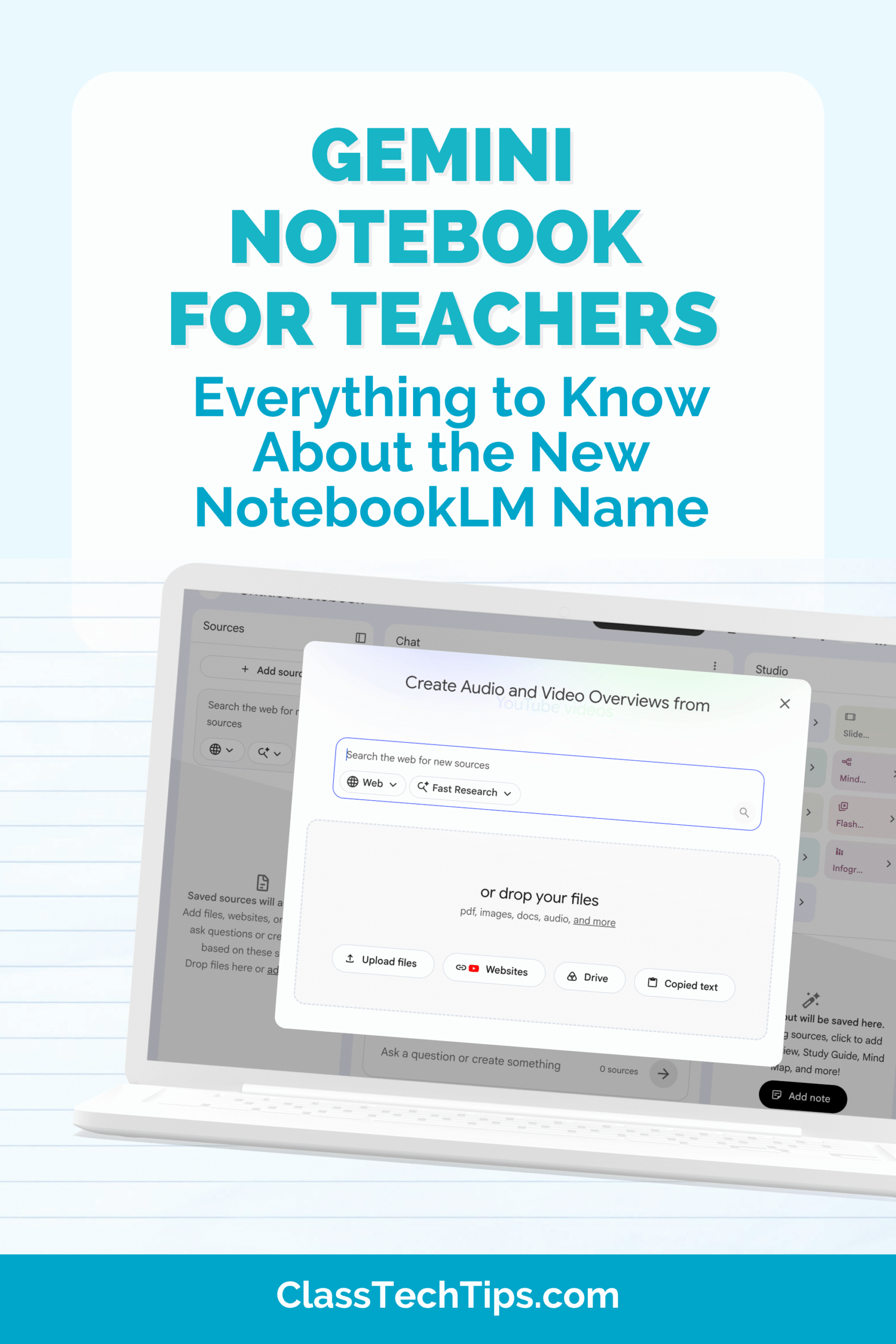
Gemini Notebook for teachers: NotebookLM has a new name! Learn what changed, what’s the same, and how to use this AI tool in your classroom.
Try 10 classroom book study ideas that use AI to build background knowledge, spark discussion, and support reading in any subject.
Lori Cohen shares The Science of Lesson Planning, including how to use AI wisely and create sustainable planning rituals this school year.
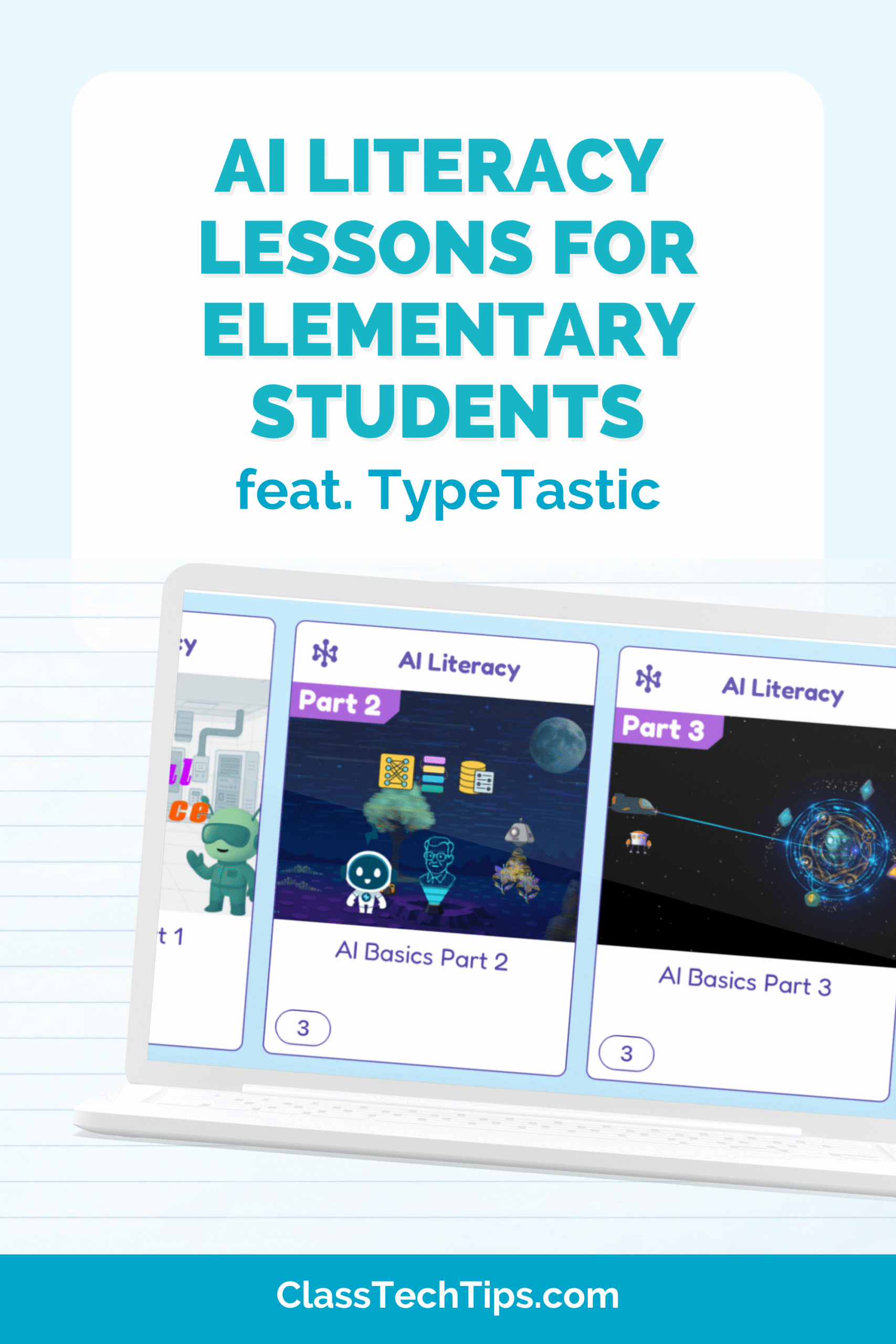
Looking for AI literacy lessons? Here is a teacher-friendly, game-based way to help elementary students understand AI and think critically.
Introduce AI Images with a quick, engaging “guess the prompt” activity that sparks meaningful AI literacy conversations.
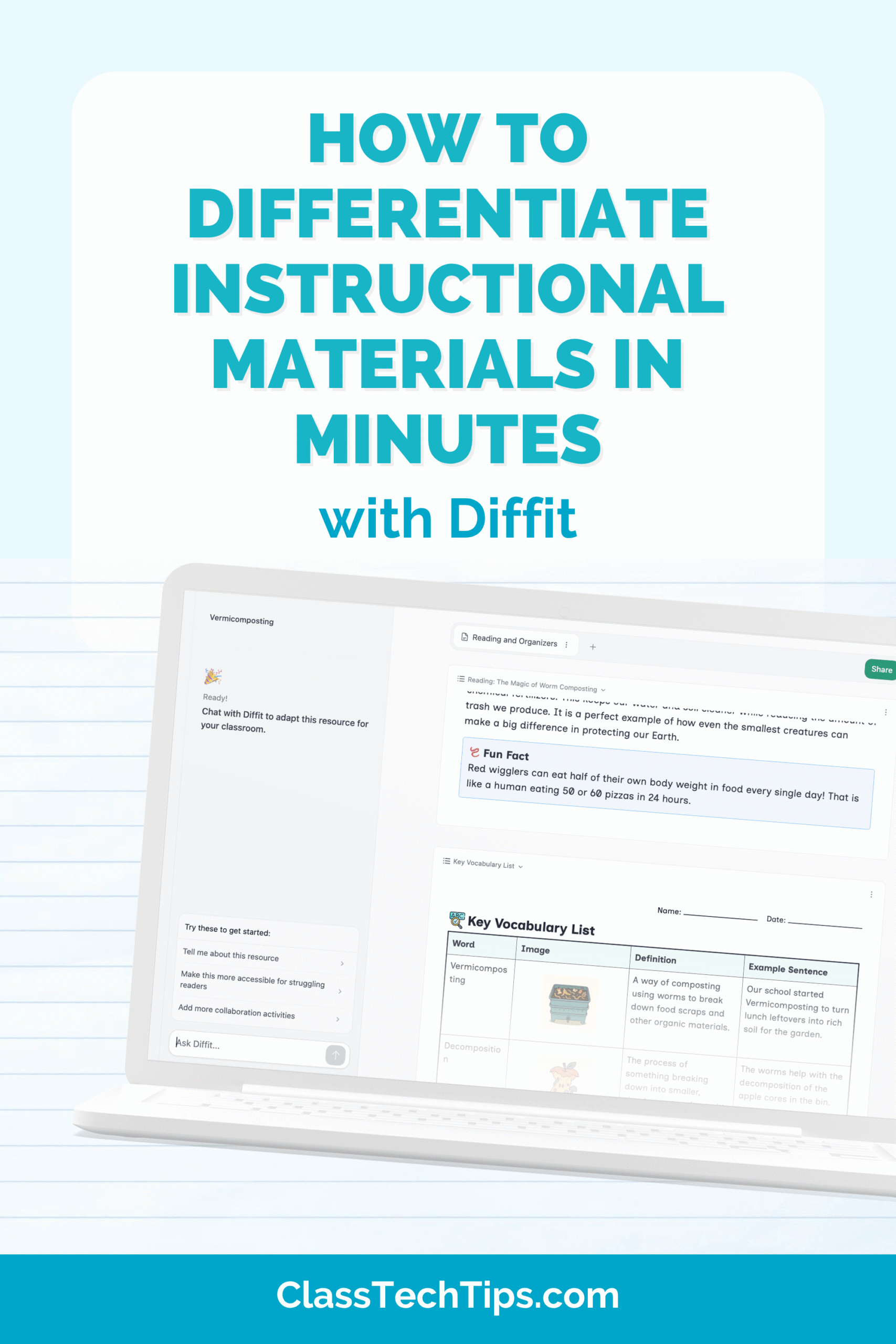
Differentiate instructional materials in minutes with Diffit, plus two remixable resources you can adapt for your students.
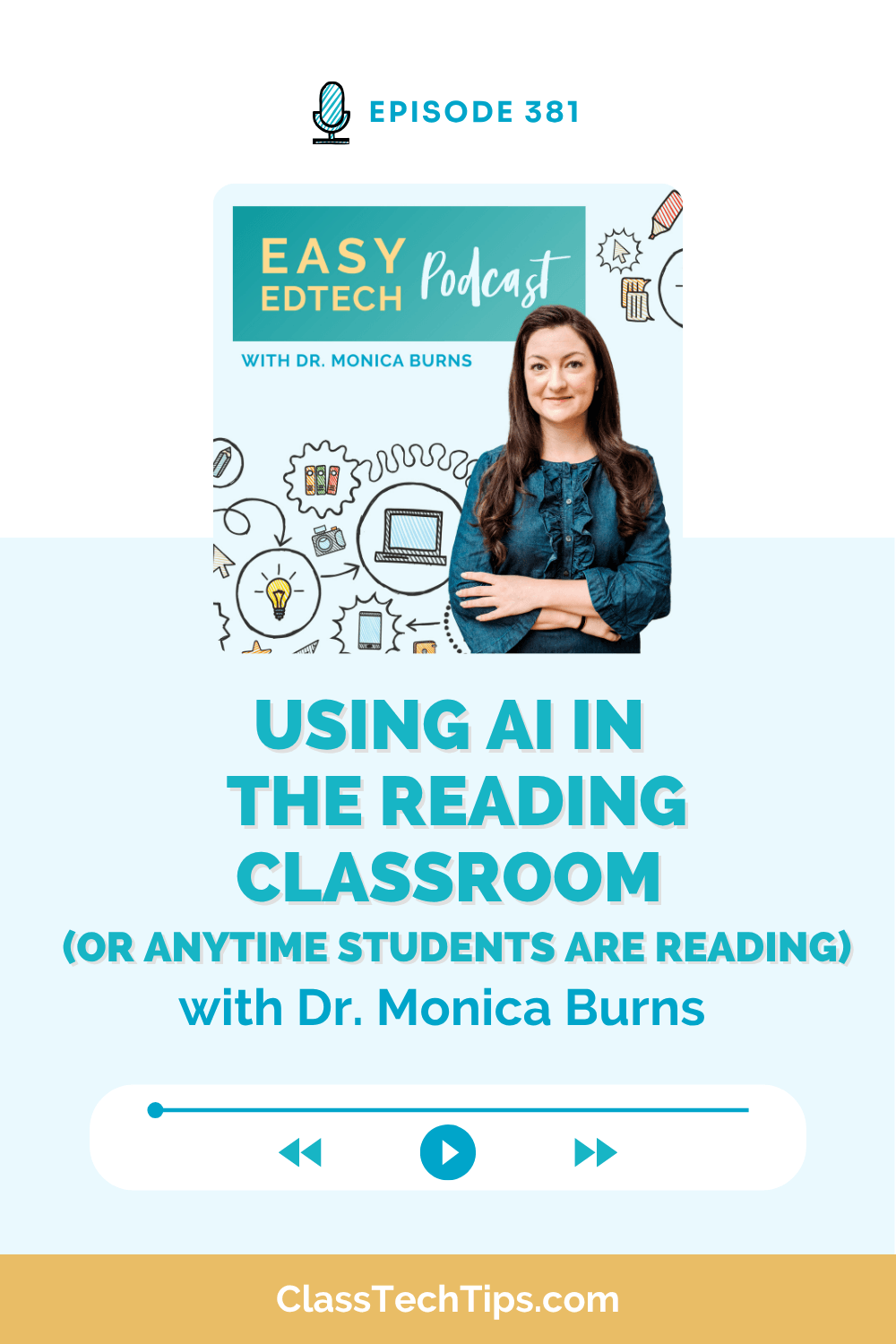
Use AI in the reading classroom to create audio, quizzes, visuals, and activities that support readers across content areas.
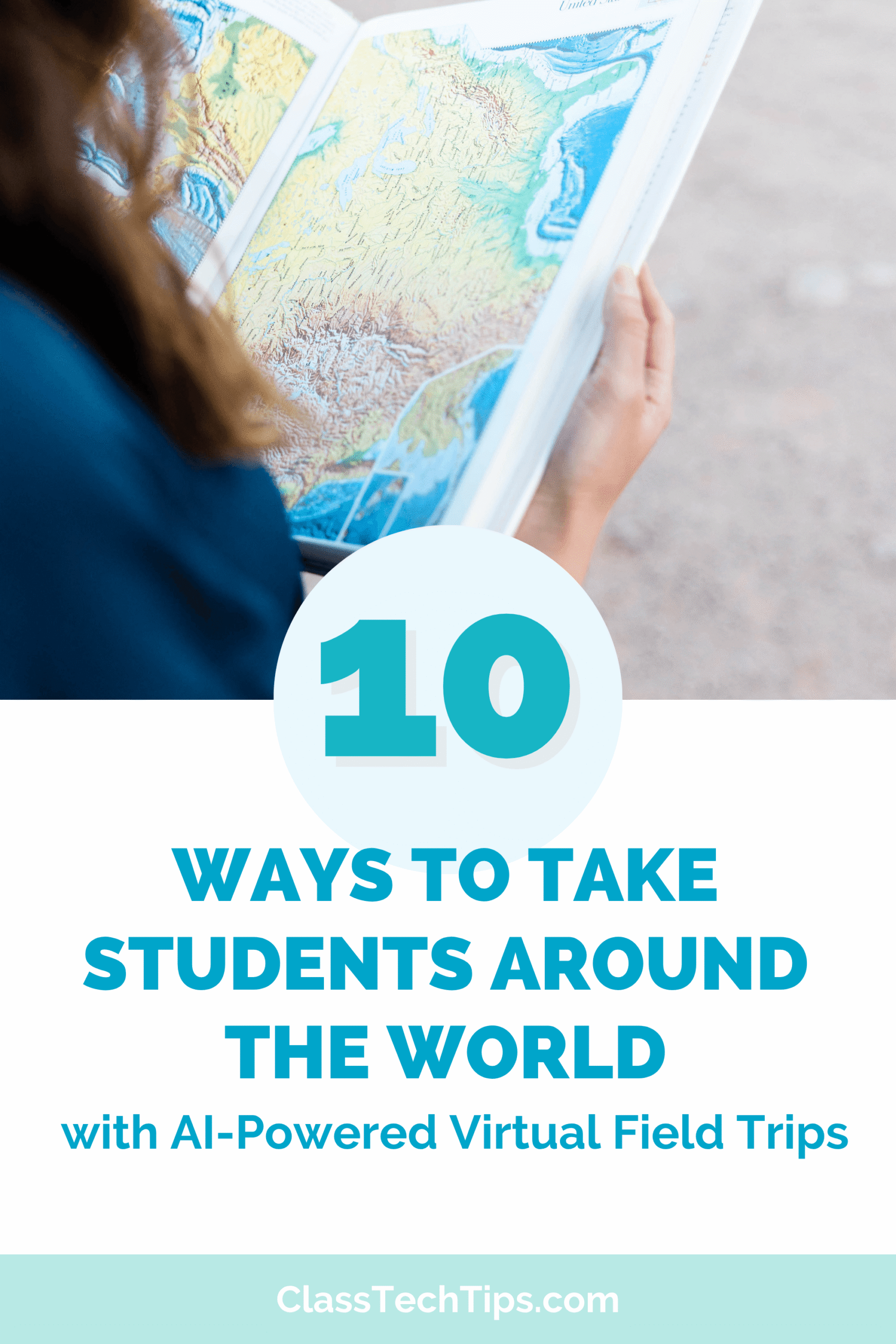
Explore 10 AI virtual field trips and global learning ideas with classroom-ready prompts and free AI tools to try this school year.

Learn vibe coding with five AI-built website examples using Claude, Gemini, and Google Sites, with no traditional coding skills needed.


