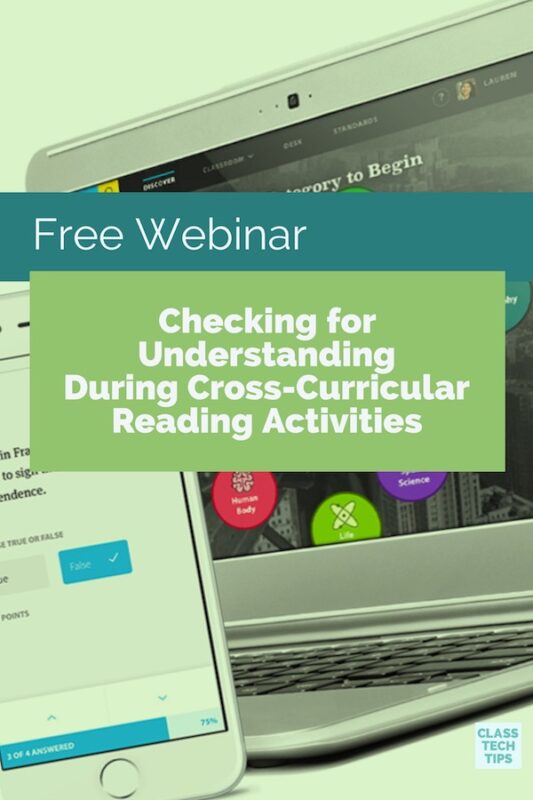
Free Webinar: Checking for Understanding During Cross-Curricular Reading Activities
What are your favorite strategies for checking for understanding in the reading classroom? I’m excited to partner with the folks

What are your favorite strategies for checking for understanding in the reading classroom? I’m excited to partner with the folks
Are you ready for Halloween? Finding the perfect Halloween books can be a challenge – regardless of the devices you
The team at TypeDojo has created a typing test website to gives users of any age a space to practice keyboarding skills. This website is simple, straightforward and gets right to the point. If you are looking for a space to measure words per minute, this is definitely a quick tool for getting…
Have you heard of VocabularySpelling City? This vocabulary instruction tool is designed to help boost reading comprehension for students. The team behind VocabularySpelling City designed this tool to break the “test on Friday, new words on Monday” vocabulary instruction cycle and increase vocabulary retention with multimodal exposures to words over time…
Last week I spent time in North Carolina working with teachers who were preparing for an upcoming reading and writing unit. One of the main areas of focus for this particular ELA unit was point of view. From how characters in literature perceive a situation to the way writers express their own point of view, we discussed a handful of strategies for helping students tackle this area of focus for the upcoming unit. As our discussion moved to thinking about how digital tools could elevate and energize…

Interested in reading challenges for your classroom? The team at Big Universe is giving educators free access to their Ignite Reading Playbook. Earlier this year I had the chance to partner with Big Universe for a special webinar and I’m excited they’re offering this resource to teachers – totally for free. This guide is full of step-by-step…
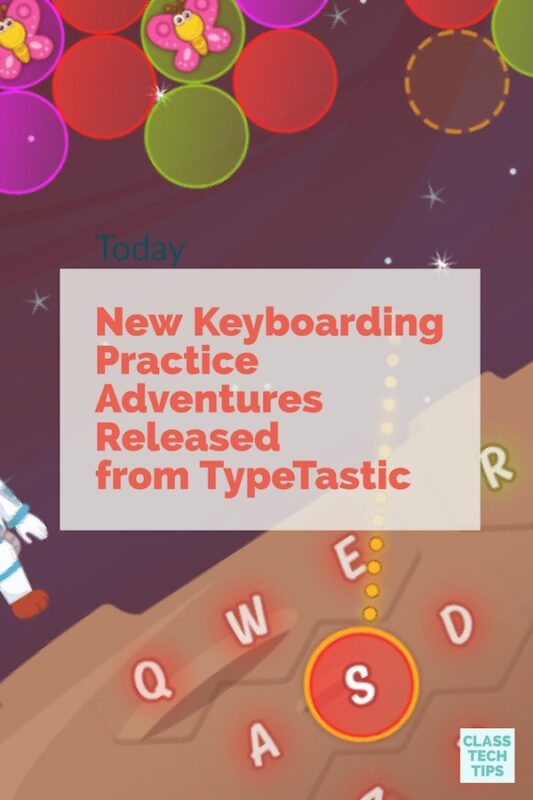
This past spring I shared TypeTastic School Edition, a keyboarding tool for students. Well a couple of things happened since this post went live. Just a few weeks after I shared TypeTastic I had the chance to meet their team at ISTE in San Antonio. This passionate, energized group have released some updates this summer and I’m exited to share these new features with you. Just last week a teacher sent me an email looking for…
Looking to update your Google Slides decks or searching for a way to support student storytellers during their own presentations? You’ll want to check out Spark Post from the folks Adobe, a free, easy-to-use tool for teachers and students. If your school is using Google Classroom or you and your students love…
This past year I started working with a fantastic school in New York who have introduced a blended learning model for their students. As we wrapped up the school year in June one of their teachers asked for recommendations for summer reading and I immediately named this book, Blended Learning in Action: A Practical Guide Toward Sustainable Change by Catlin R. Tucker, Tiffany Wycoff and Jason T. Green. If you haven’t checked it out, Blended Learning in Action is a terrific guide for…
Regular readers of ClassTechTips.com know how much I love virtual professional development! From hosting webinars to developing online courses, I’m passionate about learning in a variety of formats. Well I’m really excited to announce a partnership between two organizations I’ve worked with over the past few years – and a special independent reading course you’ll want to…
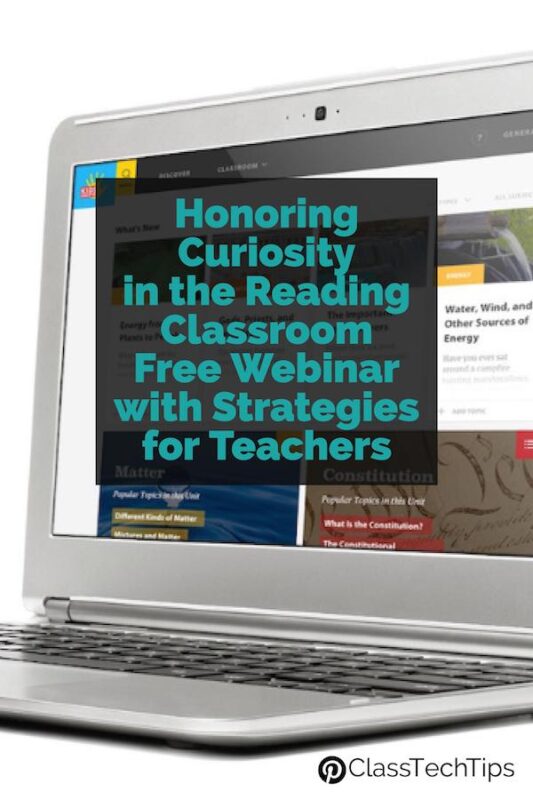
I’m excited to partner with the folks at Kids Discover for a special event later this month! On September 19th, I’m hosting a webinar titled “Honoring Curiosity in the Reading Classroom: Strategies for Teachers.” This free webinar is designed to give you actionable tips and strategies to take back to your classroom or to the teachers you support…
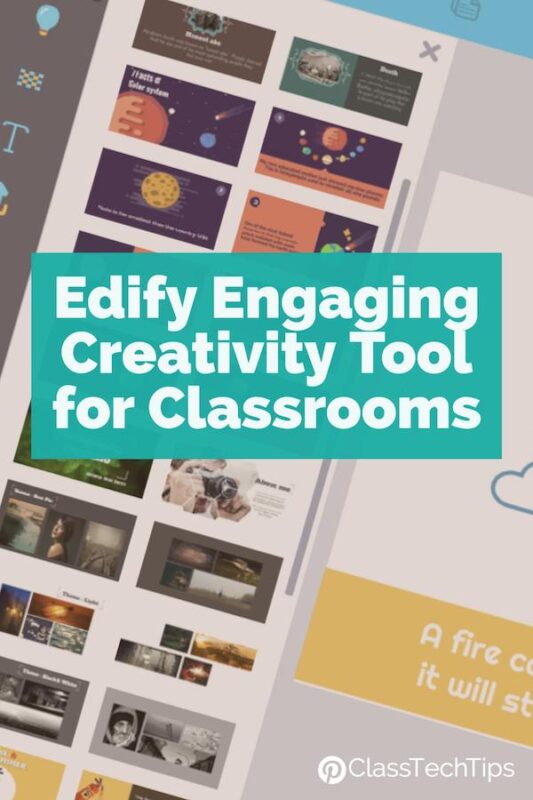
Are you looking for new ways to create learning videos, presentations, infographics, and GIFs in your classroom? A few weeks ago I had the chance to take a look at Edify, a powerful creativity tool for educators. If you haven’t heard of Edify before its from the folks at Animaker who created a platform that lets teachers and students create fun and engaging digital products. This can include a variety of media-rich creations including…


