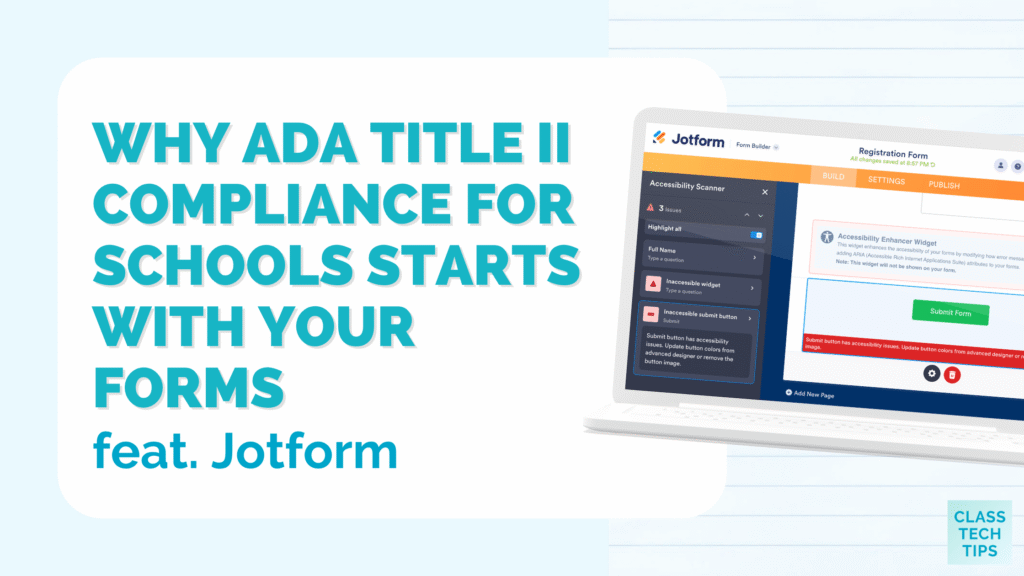
If you work in a school, university, or district office, there’s a good chance you’ve heard the term ADA Title II come up in conversations recently. Maybe at a leadership meeting. Maybe in a webinar. Or maybe in a note from your tech department asking everyone to review the digital tools they use with students and families. For lots of educators, the takeaway is the same: something big is changing, but the details can feel hard to pin down.
If that’s where you are, you’re not alone. ADA Title II compliance for schools affects nearly every digital tool a school uses, and the deadlines are coming up quickly. Whether you’re a classroom teacher who wants to make your forms more accessible, a school leader getting ready for an audit, or a district administrator coordinating initiatives across lots of buildings, it’s important to understand how this impacts you and your students.
Today on the blog, we’ll take a look at what ADA Title II means for educational institutions. I’ll share how Jotform can help you make sure that your forms are compliant.

What Is ADA Title II?
The Americans with Disabilities Act is a federal law that protects people with disabilities from discrimination. Because they are considered state and local government entities, public schools, public colleges and universities, and school districts are subject to the ADA. Title II specifically applies to websites, apps, digital course content, and any digital systems or portals educational institutions use.
The digital tools your school uses to communicate with students, families, and staff must now meet the requirements of Title II. Although it might feel like a big shift, it’s good news for students who use assistive technology every day.
Enforcement of Title II for digital content and tools will begin in April 2027 for large institutions and inApril 2028 for small institutions. Compliance is a big task and involves auditing your current websites, applications, forms, learning management system, and more. For many schools, it also means making decisions about which tools you want to keep, which tools to swap out, and which tools you decide to put aside.
Sign up for Jotform here and get started with accessible forms >>
Starting Your ADA Title II Compliance with Forms
Schools, universities, and districts use forms for almost everything. Permission slips, registration forms, parent-teacher conference signups, and IT help requests are just a few examples. I’m sure you can add to the list of forms you use on a regular basis. You might use forms for professional development reflections, applications, you name it.
As you think about accessibility compliance, forms should be on your list. If your students or families can’t fill out a form, they can’t fully participate. That’s exactly the kind of barrier Title II is designed to remove. Jotform’s Accessibility Checker can help ensure your forms are accessible by flagging issues and providing tips on how to correct them.
How Jotform Helps With ADA Title II Compliance
Jotform has been a favorite of mine for a long time. If you’ve joined me for a workshop or webinar on formative assessments or another EdTech topic, you’ve probably seen Jotform in action. One thing I appreciate about Jotform’s approach to accessibility is how it’s built right into the platform, and it’s free on every plan.
How does it work? When you build a form in Jotform, you can turn on the built-in Accessibility Checker with a single click. As you build your form, the checker takes a look at it and flags anything that doesn’t meet Section 508 or WCAG 2.1 standards. If something needs to change, you’ll see a clear message inside the form builder. It even includes guidance on how to fix the issue. No guessing, nothing extra to download, and no extra cost.
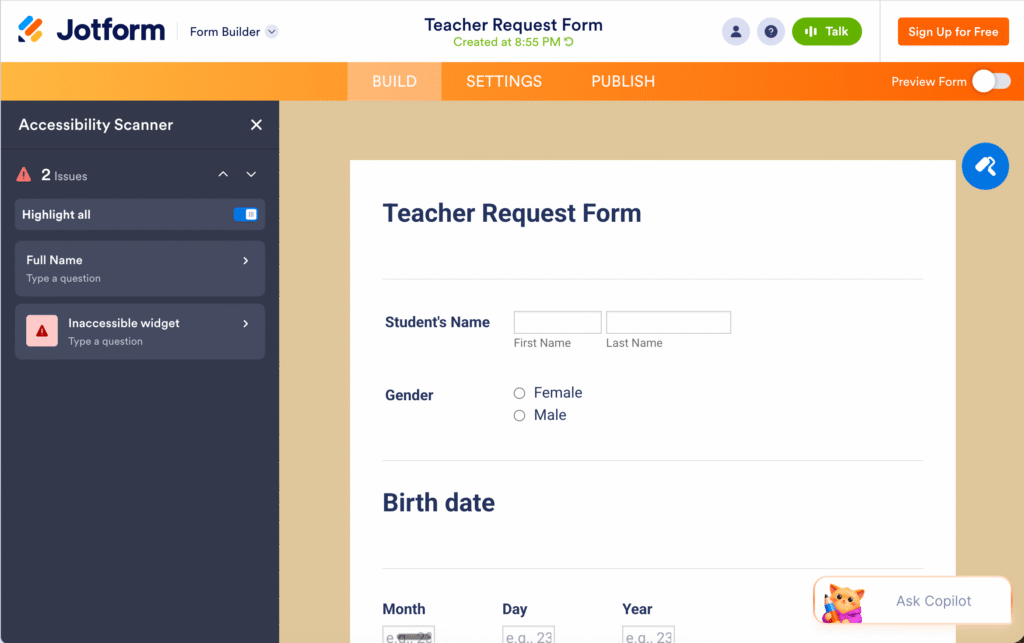
Forms created with Jotform are Level A and Level AA compliant with WCAG 2.1 by default. Enabling form accessibility lets you take it further and create Section 508-compliant forms, too. This is an excellent option for an educational institution that’s beginning to work toward ADA Title II compliance.
Learn more about Jotform’s accessibility features >>
Using Jotform’s Accessibility Checker
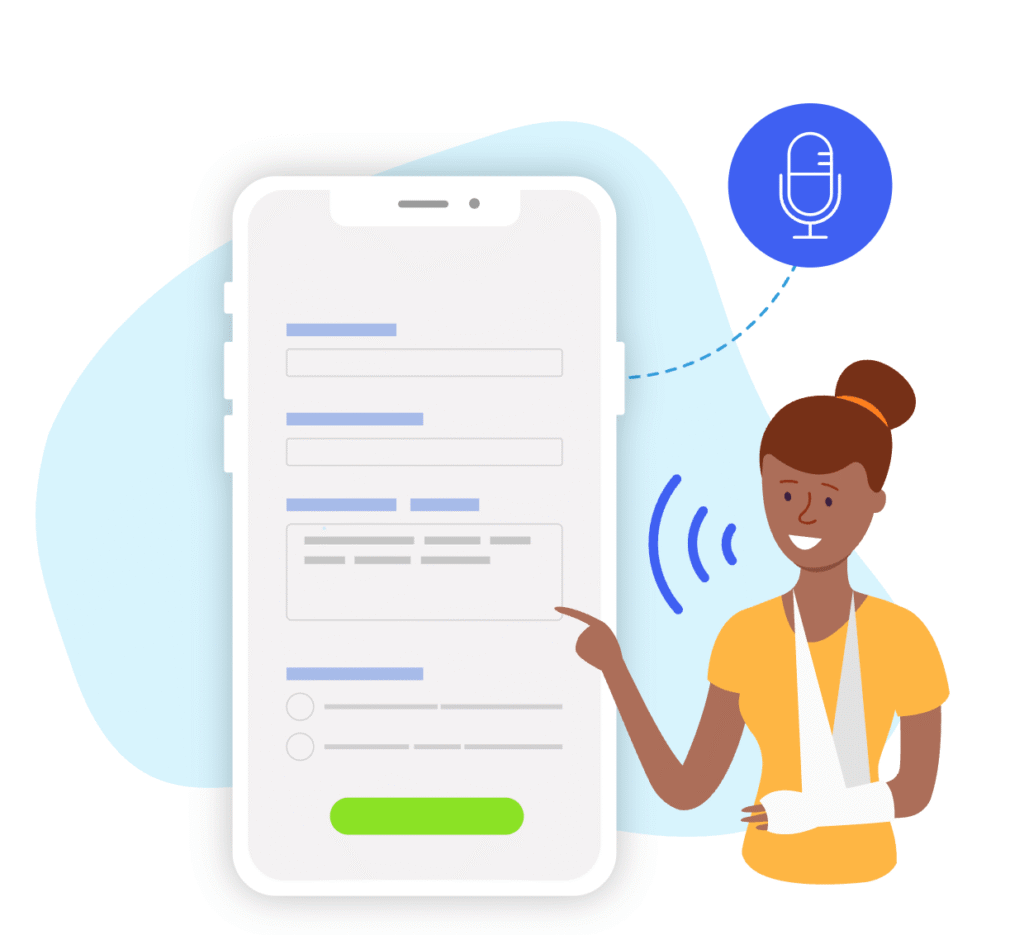
Jotform’s Accessibility Checker covers the most common issues that get flagged in accessibility audits. One of the things it watches for is missing alt-text for form fields and widgets (which is essential for screen reader users). It also checks for color schemes that don’t meet contrast requirements. The Accessibility Checker looks for form elements that don’t work with keyboard navigation or other assistive devices. It also looks for missing or unclear field labels that can make forms confusing for screen reader users and multilingual families.
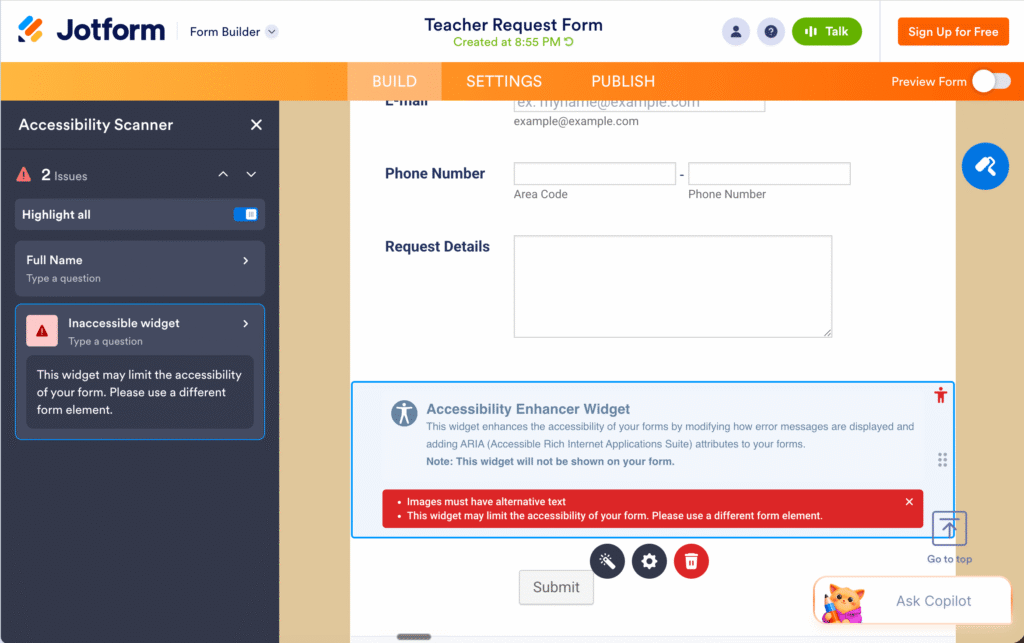
When the checker spots an issue, it gives you information on how to fix it. The checker can help you revise your forms. This way, they’ll be ready for everyone in your school community.
Supporting ADA Title II Compliance for Schools
If you’re ready to address ADA Title II compliance in your school or district, you can start with your forms. Take a quick inventory of the forms your school uses regularly. This might include enrollment forms, permission slips, family communication surveys, professional development signups, IT requests, and more.
Once you’ve identified which forms reach the largest number of students and families, try rebuilding them in Jotform. This might include a back-to-school permission slip that every family fills out. You can use the Accessibility Checker to make sure the form is compliant. Keep this process going, form by form, on the list of forms you use.
Jotform has a page dedicated to all things accessibility. You can even find templates like a “Teacher Request Form” and see the Accessibility Checker in action.
Sign up for Jotform and start building accessible forms today >>
Ready to Make Your Forms ADA Title II Friendly?
The work you do now to make your forms accessible isn’t just about compliance. It’s about making sure every student and family in your school community can access the information you share.
If you’ve been searching for a place to start with ADA Title II compliance, your forms are the perfect first step. Jotform’s built-in Accessibility Checker, ready-to-use templates, and full WCAG 2.1 compliance give teachers, school leaders, and district administrators a way to make progress without needing to become accessibility experts.
Ready to see how it works for yourself? Use this link to sign up for a free Jotform account. Whether you’re updating a single form or coordinating a district-wide review of your ADA Title II compliance, check out everything Jotform has to offer.