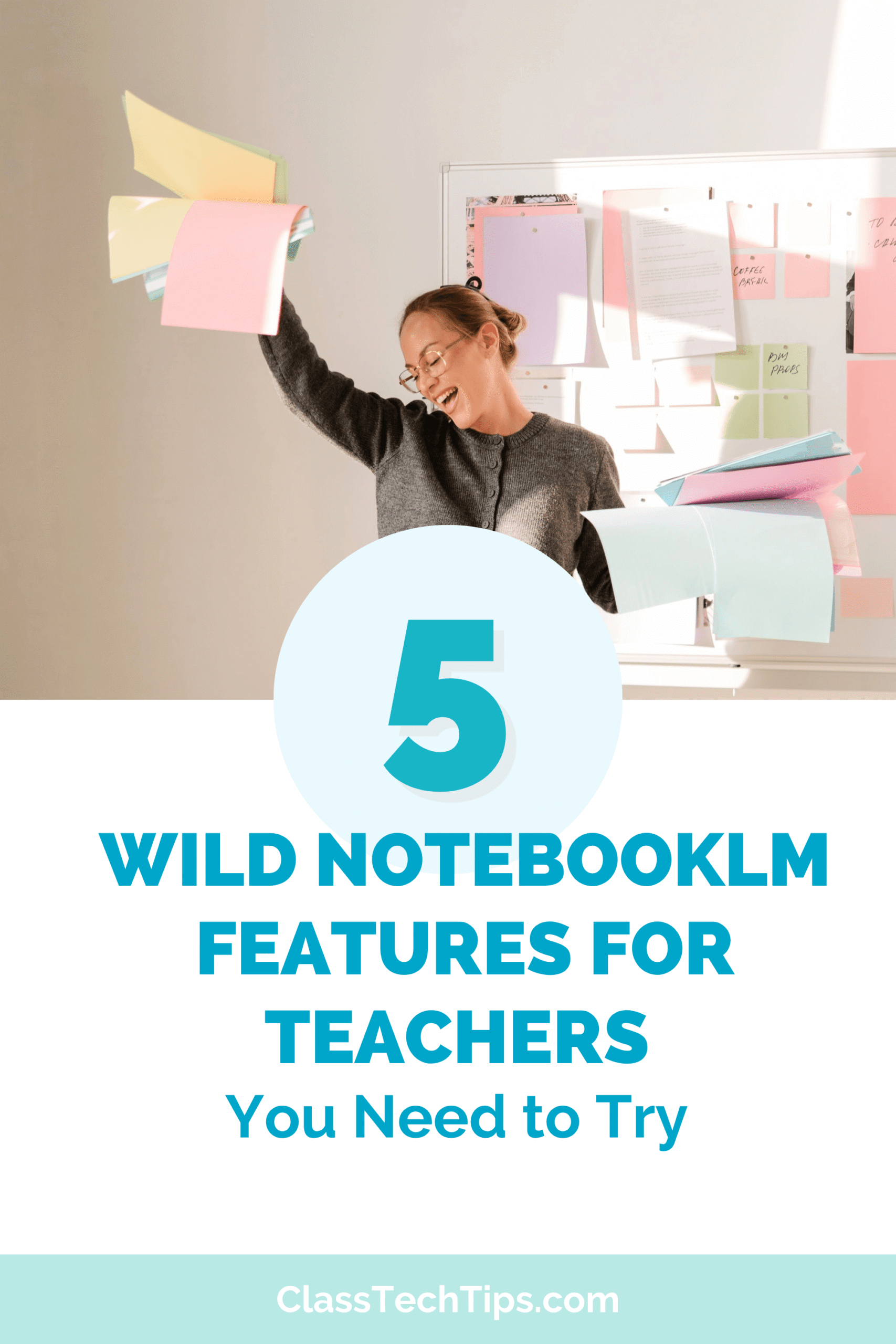
5 Wild NotebookLM Features for Teachers You Need to Try
Discover 5 NotebookLM features for teachers including debate audio, custom slide decks, infographics, data tables, and video overviews.

Discover 5 NotebookLM features for teachers including debate audio, custom slide decks, infographics, data tables, and video overviews.
Discover simple ways to use AI to save time—format materials, draft lessons, and streamline your workflow so you can focus on your students.

Learn how to organize teaching resources with AI. Try file naming systems, sorting by standard, and prompts to clean up your Google Drive.
AI prompts for teachers to turn messy notes into rubrics, newsletters, and slide decks. Save time on formatting this week.
Get faster feedback for students with AI by using digital drafting prompts to create skill aligned comments and quick formative assessments.

Discover three types of time-consuming tasks AI can help teachers tackle and start saving time lesson planning this week.
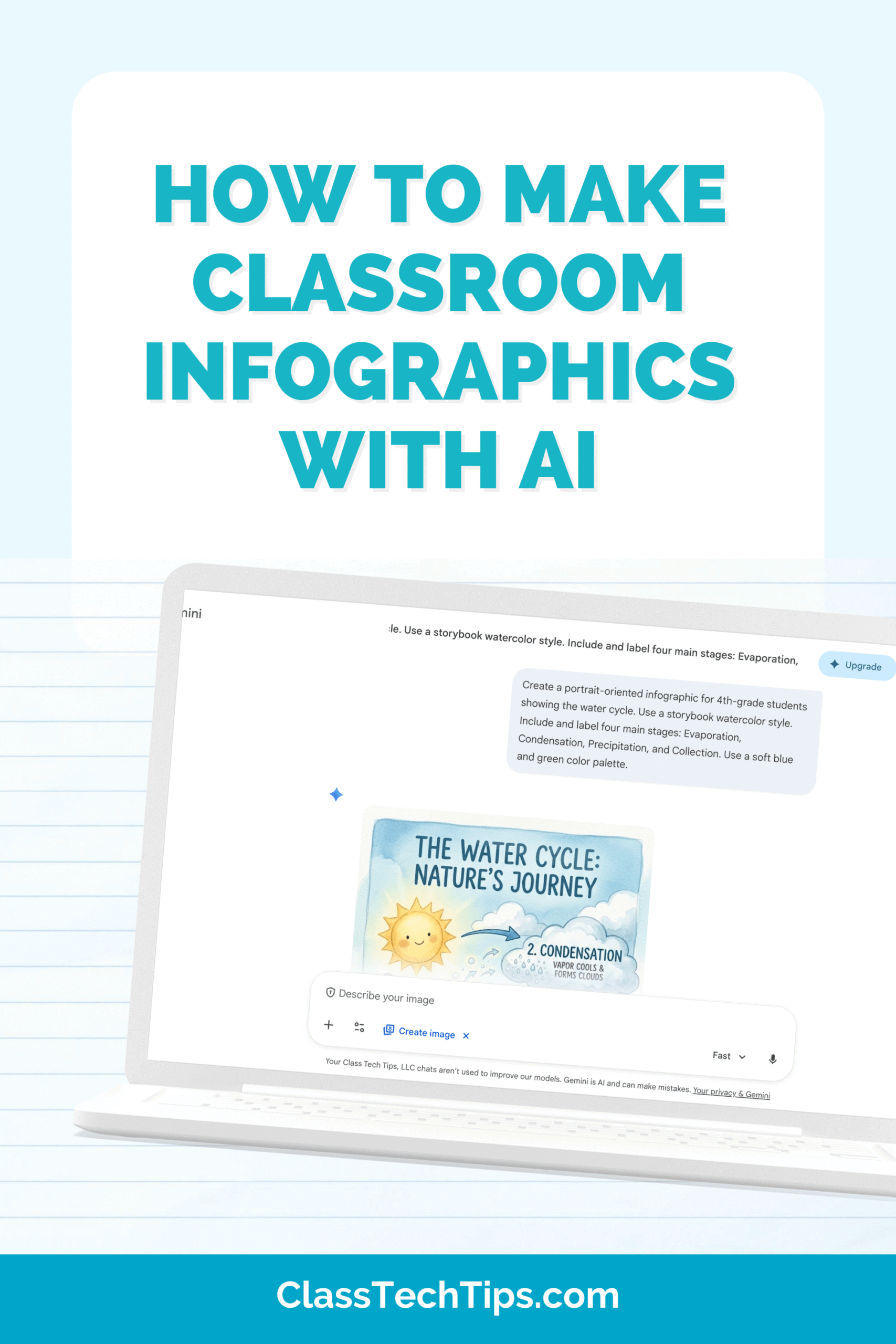
Create classroom infographics with AI using simple prompts, favorite tools, and quick tips to turn big ideas into clear visuals for students.
Spring School Decorations made with AI. Discover 10 creative classroom decor ideas using tools like ChatGPT, Canva, and Firefly.