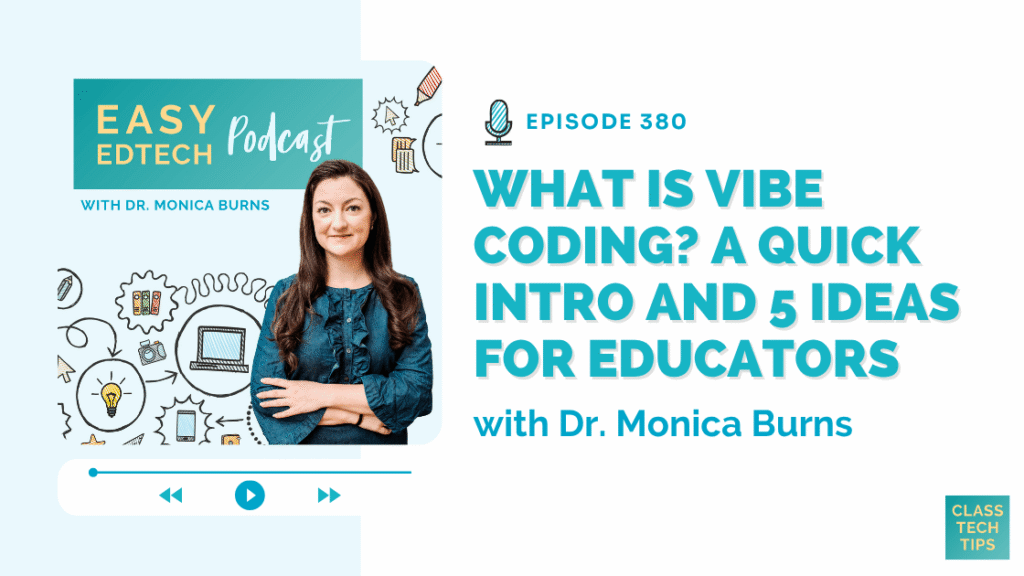
In this episode, I share a quick introduction to vibe coding and five websites I recently built with the help of AI. You’ll also hear how I used Claude, Gemini, and Google Sites to turn simple ideas into working tools without traditional coding skills. If you want to try vibe coding and create a useful website, app, or classroom resource of your own, this episode has you covered!
Listen to the podcast episode on your favorite platform:
Tips for Vibe Coding for Educators
- Start with a simple idea for a website, game, directory, or classroom tool.
- Describe what you want in everyday language and let an AI chatbot generate the code.
- Use follow-up prompts to adjust the design, features, and content.
- Publish the finished HTML code with a tool like Google Sites.
SPONSORED BY POLLZY
This episode is sponsored by Pollzy. Summer is the time to test new tools. Pollzy offers live quizzes and polling for your classroom. Say you teach 8th grade English. Ask Pollzy to create a “word cloud on what your students read this summer”. Pollzy builds the live session in under 30 seconds. No extra setup and students respond from any browser. Pollzy Plus is ten dollars a month. Use code CLASSTECHTIPS to get your first 2 months free, perfect for back-to-school. Sign up at pollzy.co. That’s P-O-L-L-Z-Y dot C-O. Check it out here >>
FOLLOW & REVIEW ON APPLE PODCASTS
Have you subscribed to the podcast yet? I don’t want you to miss an episode and hope you’ll keep following along with me on this podcast journey. When you follow along on Apple Podcasts the new episodes will appear in the app so you don’t have to remember to go looking for them… Click here to follow on Apple Podcasts! And if you have a minute for a BIG favor, add a rating and review to the podcast, too — I would certainly appreciate it!
Click to see the transcript
EPISODE RESOURCES
- Connect with Dr. Monica Burns on X (Twitter), Threads, Bluesky & Instagram
- Sign up for the Free Newsletter
- Check out EdTech Books by Dr. Monica Burns
- Explore Artificial Intelligence Resources, Events & Workshops & Free Stuff
- Grab EdTech Essentials: 12 Strategies for Every Classroom in the Age of AI 2nd Edition & download the FREE Study Guide
- AI in Education Membership (Sign up & Waitlist)
- Easy EdTech Club (Sign up & Waitlist)
- Pollzy (Poll & quiz creator)
- Claude (Chatbot
- Gemini (Chatbot)
- Gemini Canvas (Write, code, & create)
- Claude (Chatbot)
- Google Sites (Website builder)
- Websites I vibe coded:
- Easy EdTech Podcast Directory – Searchable directory of podcast topics and guests
- EdTech Idea Finder – Tool that recommends three relevant Class Tech Tips posts
- Easy EdTech Club Masterclass Directory – Searchable directory of available masterclasses