Whether students are working on a research project, responding to a writing prompt, or just navigating their Chromebook, keyboard skills matter. But finding time in an already packed schedule to teach typing from scratch? This is a tough ask, and not something every school can take on.
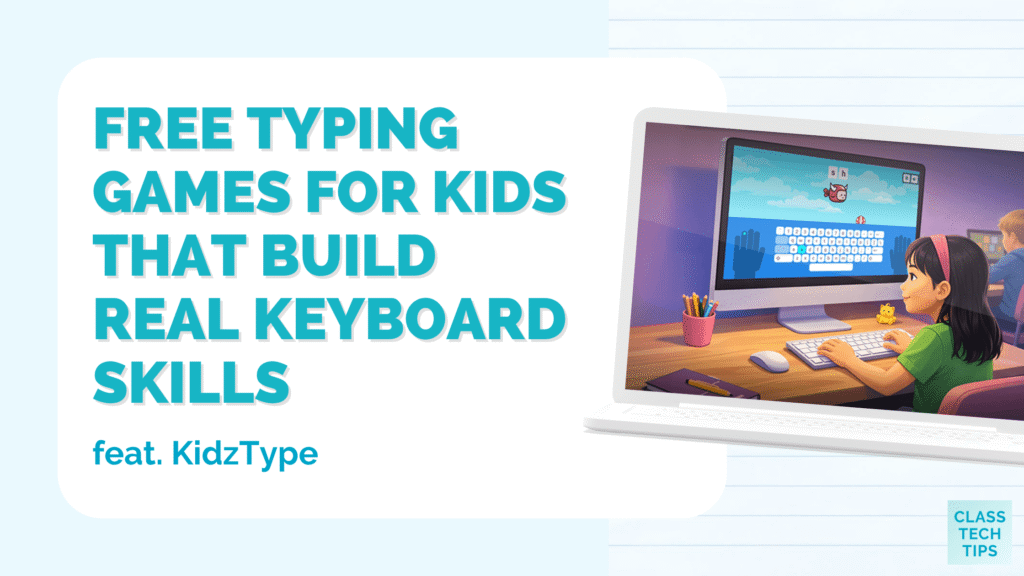
If you’re searching for free typing games for kids, I’m excited to share a resource with you. KidzType, a free website with 30+ typing games designed for elementary and middle school students, has been used by teachers and students worldwide for over a decade. It works right in the browser with zero setup, making it super easy to get started. There are ads on this website, but you can send students to direct links to each game which makes it a pretty smooth experience.
When typing practice feels like a game, you might find that your students are more likely to practice. They can build muscle memory and accuracy without it feeling like a chore.
Let’s take a closer look at what KidzType has to offer and how it might fit into your classroom (or home learning) routine.
Why Typing Practice Still Matters for Students
It’s easy to assume that because kids grow up surrounded by technology, they already know how to type. But tapping on a tablet or small phone screen is very different from typing on a keyboard. Many students still search for each letter on the keyboard as they work on assignments. This can slow them down, disrupt their thinking process, and just feel frustrating.
When students develop solid keyboarding skills early on, it pays off across the board. They can get their ideas down faster during writing assignments. They spend less time staring at the keyboard and more time thinking about their work. And of course, if you are conducting standardized testing on a computer, typing fluency can make a real difference in how much a student is able to complete.
It can be a challenge to make this practice engaging enough that students actually want to do it, and that’s where free typing games for kids come in.
KidzType’s Typing Website
KidzType is a completely free website filled with typing games, exercises, and practice tools. There’s no login required, no accounts to set up, and no software to download. Students open the site in any browser and can jump in right away.
What makes KidzType especially useful in a classroom setting is its focus on building real typing habits. Unlike many tools that prioritize speed alone, KidzType’s activities are designed to develop correct finger placement, accuracy, and muscle memory first. This means it can help students build a strong foundation before moving into faster typing.
When you open up KidzType you’ll see how the site is organized into a few main areas. There are dozens of typing games and typing exercises that focus on specific keys and finger placement. And you’ll find typing practice sessions that build speed and accuracy over time. As I mentioned earlier, there are ads on this website, but you can send students to direct links to any game you’d like them to explore.
A Closer Look at the Games
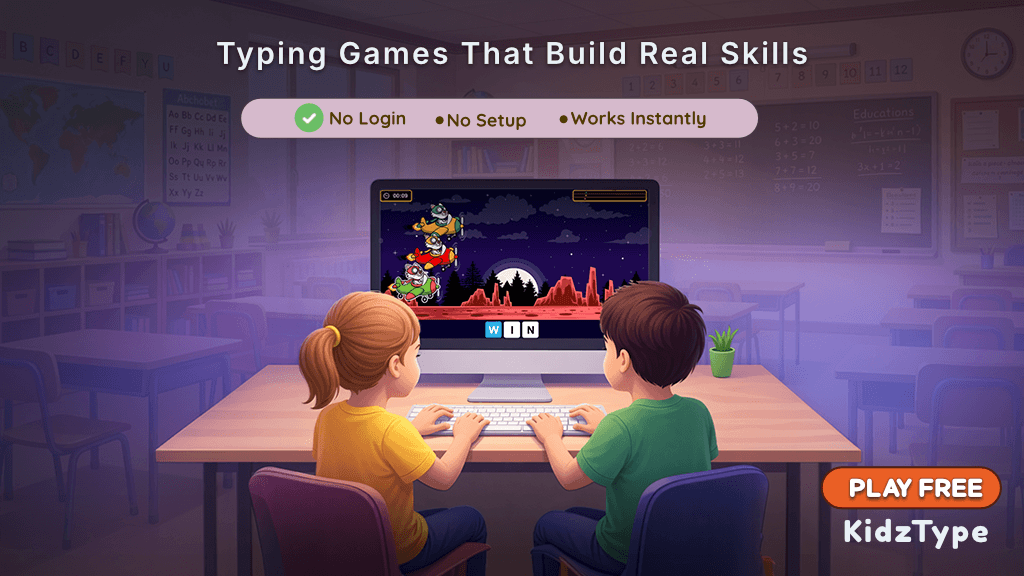
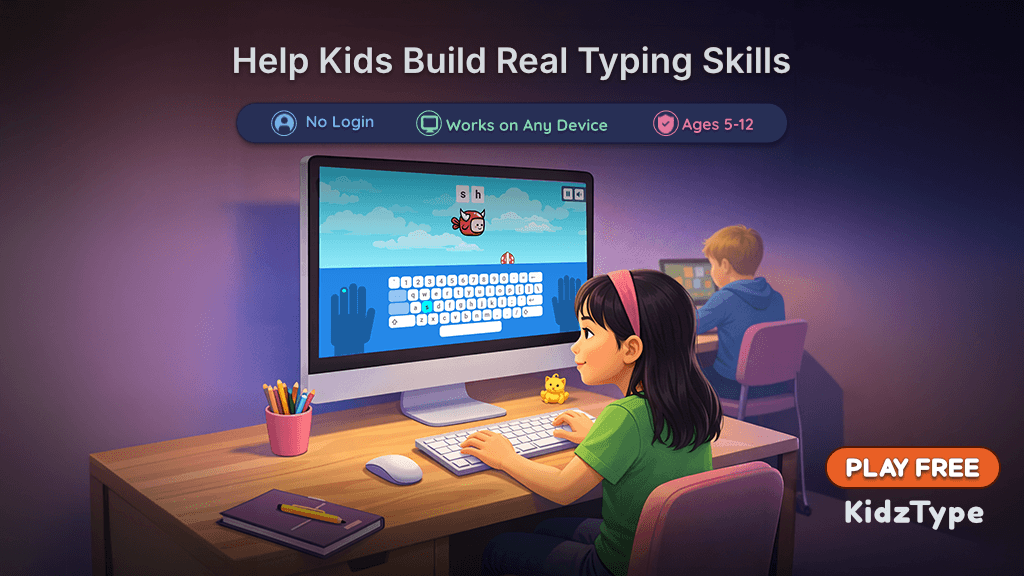
On KidzType you’ll find a wide variety of games. There are racing games, themed challenges, balloon popping activities, and even a Flappy Bird-style game where your bird only flies when you type correctly. Each game has a different feel, which means students have plenty to choose from each time they dive in.
Some of the games focus on individual letter recognition, which is great for younger students or beginners who are still learning where keys are on the keyboard. Others move into full words and sentences, which can help older students build fluency and proper spacing. The games are designed to reinforce muscle memory and accuracy, not just speed.
The games are intentionally designed to reinforce muscle memory and accuracy, not just speed. This helps students type with confidence instead of rushing through keys.
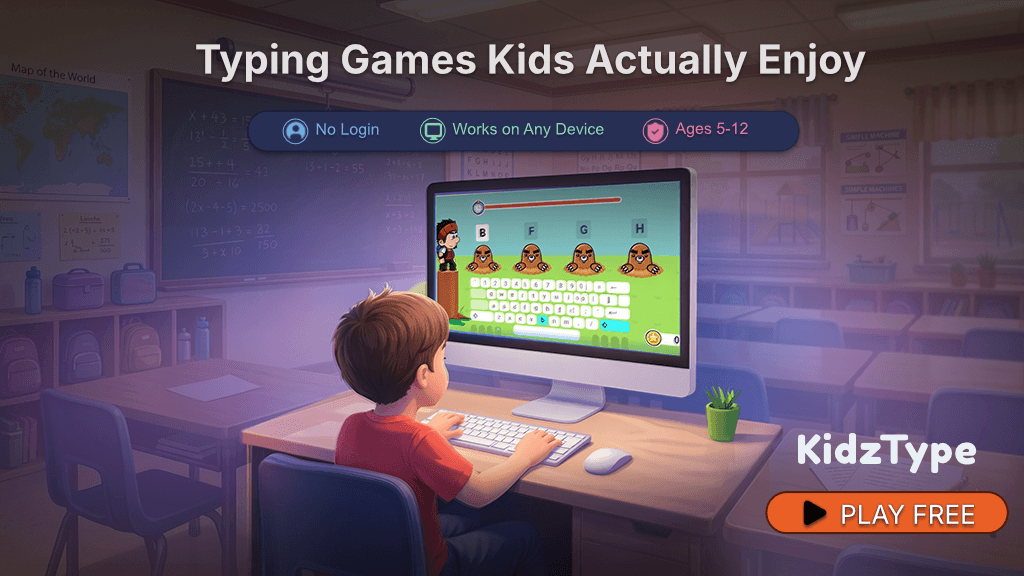
The games are organized by difficulty, so you can encourage some students toward beginner-friendly options and ask other students to tackle more advanced challenges. This makes it easy to differentiate, even if you have a wide range of typing abilities in your class.
Why Teachers Choose KidzType
One of the reasons a resource like this works well in classrooms is how flexible and easy it is to use.
Here are a few reasons teachers often find it useful:
- No login or setup required
- Works instantly on Chromebooks and laptops
- Easy to share direct links to specific games
- Combines games, exercises, and practice in one place
- Supports both beginners and more advanced students
How Teachers Can Use Free Typing Games for Kids in the Classroom
One of the best things about a resource like this is how flexible it is. You can drop it into your existing routine in a way that works for your schedule.
Here are a few ways you might use free typing games for kids:
- Morning warm-up activity: Students play a typing game for 5 to 10 minutes while settling in for the day.
- Computer lab session: Dedicate part of a lab period to typing practice using the structured exercises on the site.
- Homework or home practice: Share the link with families so students can practice at home. Since there’s no login, parents don’t need to set anything up.
Because the site works on any desktop or laptop browser, it’s a smooth fit for classrooms using Chromebooks. You can share a direct link to any specific game, which makes it easy to point students exactly where you want them to go. You could even add a few game links to a choice board and let students pick the one that sounds most interesting to them.
Getting Started with the Typing Games on KidzType
When you jump into KidzType, you’ll find that the games are distraction-free, without pop-ups pulling students away from what they’re doing. There’s no social component, no chat features, and no user-generated content on the site.
If you’re looking for free typing games for kids that are easy to use and can help students build real typing skills, KidzType is worth exploring. Head over to KidzType.com to check it out, or go straight to their typing games page to browse all 30+ games. No login needed. Just open the site and explore.
I’d love to hear if you try it with your students. What typing strategies have worked in your classroom? Use the box below to get on my newsletter list and then reply to my email with your thoughts!