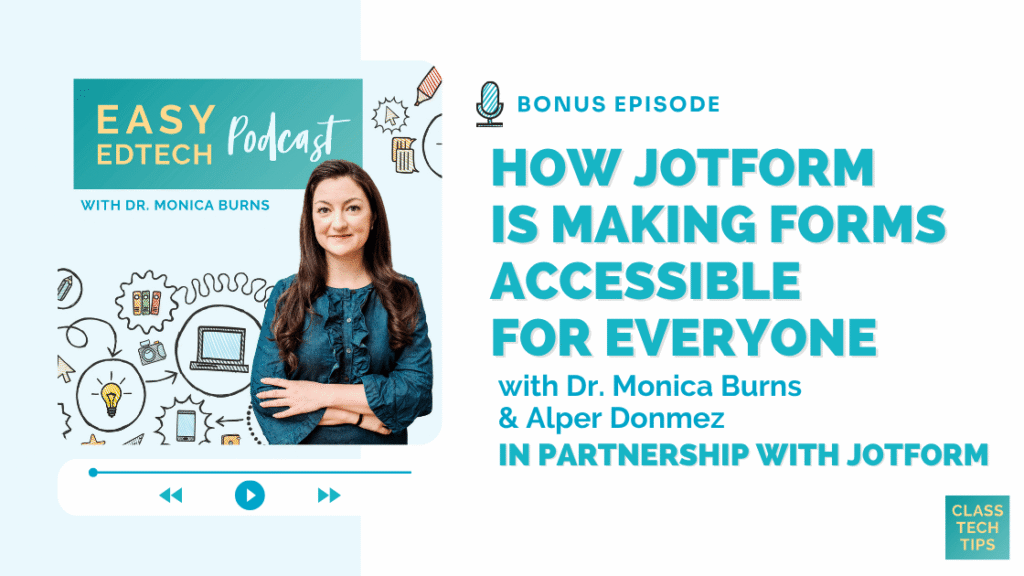
In this episode, I chat with Alper Donmez, VP of Quality Assurance at Jotform, about how the platform is building accessibility into every layer of the form creation and form filling experience. You’ll also hear what Jotform’s built-in accessibility checker catches that you might not expect, how the team supports users who rely on screen readers and keyboard navigation, and why accessibility should be the starting point of your process rather than a final checklist. If you want to learn more about making forms accessible for your school community, this episode has you covered!
Listen to the podcast episode on your favorite platform:
Tips for Making Forms Accessible for Everyone
- Stop thinking of accessibility as a final checklist and start making it the beginning of your creation process.
- Use Jotform’s built-in accessibility checker to catch common issues like missing labels, color contrast problems, and heading structure errors while you build.
- Keep forms simple by using clear labels, section titles, and only the fields you truly need.
- Remember that accessibility benefits everyone, including parents who aren’t comfortable with technology, mobile users, and people working in a second language.
SPONSORED BY JOTFORM
This episode is part of a special bonus series presented by Jotform.
Jotform is an all-in-one platform that helps educators simplify everyday tasks, from collecting student information and managing permission slips to creating surveys, quizzes, approval workflows, and more.
With easy-to-use, no-code tools and thousands of customizable templates, Jotform makes it simple to move paperwork online, automate routine processes, and keep information organized.
Educators can save up to 50% on eligible Jotform plans. Visit jotform.com/education to learn more
And a quick note, this episode is part of a special bonus series. You can find the video version exclusively on Jotform’s YouTube network. Check it out here >>
FOLLOW & REVIEW ON APPLE PODCASTS
Have you subscribed to the podcast yet? I don’t want you to miss an episode and hope you’ll keep following along with me on this podcast journey. When you follow along on Apple Podcasts the new episodes will appear in the app so you don’t have to remember to go looking for them… Click here to follow on Apple Podcasts! And if you have a minute for a BIG favor, add a rating and review to the podcast, too — I would certainly appreciate it!
Click to see the transcript
EPISODE RESOURCES
- Connect with Alper Donmez on LinkedIn
- Learn more about Jotform
- Send questions about Jotform’s accessibility to accessibility@jotform.com
- Links to Jotform’s accessibility resources:
https://www.jotform.com/help/chapter-21-creating-accessible-forms/
https://www.jotform.com/help/how-to-run-an-accessibility-scan-on-your-form/
https://www.jotform.com/help/how-to-run-an-accessibility-scan-on-your-jotform/
https://www.jotform.com/accessibility-statement/