Have you heard the term digital fluency yet? If it’s new to you, you’re not alone. But I have a feeling you’ll be hearing it a lot this school year. Your students may already use AI inside or outside of school hours. They might use it to brainstorm ideas for a project or to study before a quiz. What most students haven’t been taught is how this technology actually works, when to question what it tells them, and how to direct it and use it appropriately.
Digital fluency is the name for that missing piece. And it’s exactly what CodeAI, the education nonprofit formerly known as Code.org, wants to help every student build. I had the chance to sit in one of their sessions at the ISTE Live conference last month and explore some of their resources.
In today’s blog post, I’ll share what digital fluency means for your classroom and what I learned connecting with the CodeAI team this summer. We’ll also take a look at their free curriculum, training, and policy frameworks. All of these resources are ready to use with students this school year!
What Is Digital Fluency?
You’ve likely heard the term digital literacy before which describes knowing how to use technology safely and effectively. Digital fluency takes that a step further. CodeAI defines digital fluency as the ability to understand AI, direct it, question it, and create with it. It’s the difference between a student who can type a prompt into a chatbot and a student who understands what’s happening behind the screen, can evaluate whether the output is trustworthy, and can use these tools to build something new.
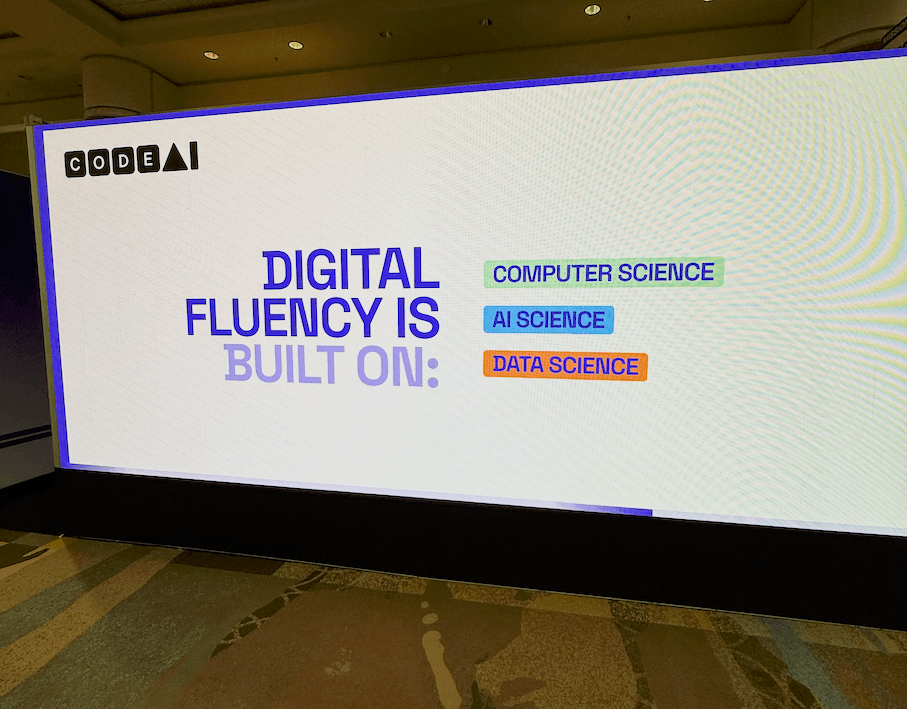
Digital fluency is built on three disciplines: computer science, AI science, and data science. If you’ve been teaching students about data, algorithms, or problem-solving in any form, you’ve already been laying the groundwork for conversations around digital fluency. It isn’t a brand-new subject but instead a way to connect the skills students are already building so they can thrive in a world shaped by AI.
Every student in every school can have the opportunity to gain digital fluency as part of their core K-12 education. And this isn’t just for high school computer science teachers. That means elementary teachers, middle school teachers, and educators in every subject area can play a role.
My Summer with CodeAI at ISTE
Do you follow along with me on Instagram (@classtechtips)? Then you already know I spent the end of June at the ISTELive Conference in Orlando. It was a jam-packed few days of connecting with educators, exploring the Expo Hall, and diving into conversations about what AI means for teaching and learning right now.
On my first day on the ground at the conference I stopped by CodeAI’s interactive space. They asked educators to share their own classroom stories, hear stories from other educators, and learn about their resources. I also sat in on one of their collaborative sessions, and had a change to explore their curriculum while I was there, too.
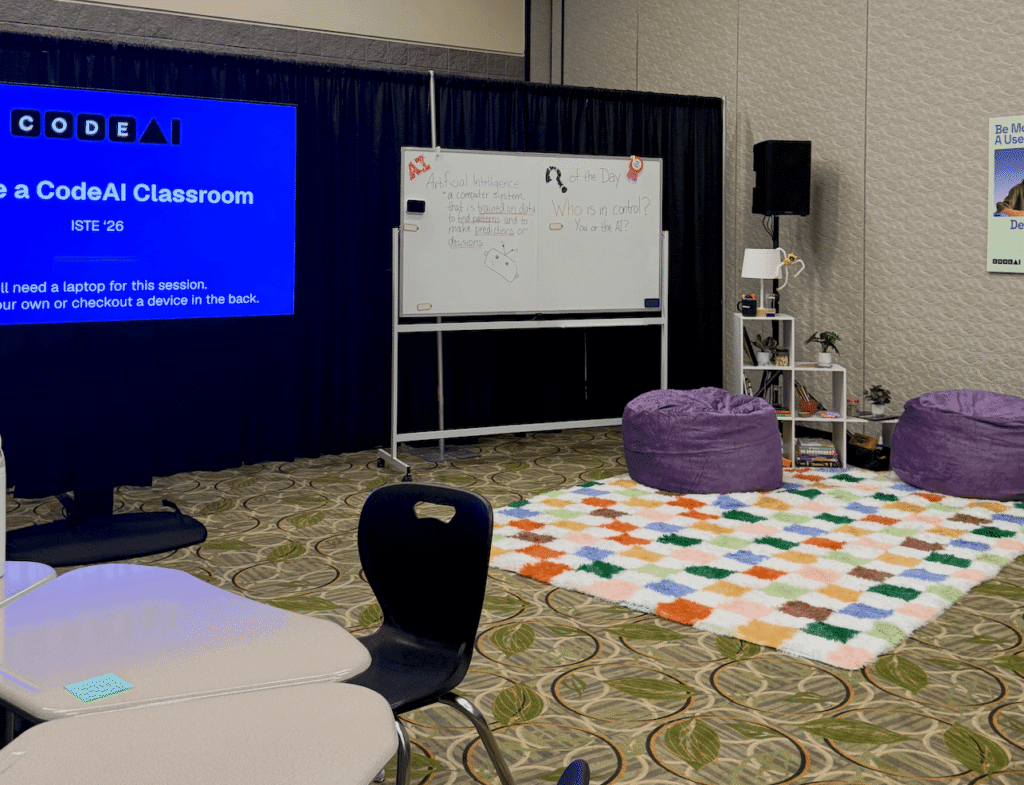
So many of the educators I met in Orlando shared a version of the same story. Their students are already using AI, but their school doesn’t have a clear plan for teaching students to understand it. If you need curriculum, training, and guidance on teaching students digital fluency, CodeAI has lots of resources for you to explore.
The Digital Fluency Gap
CodeAI shared some data with me that puts the challenge of the digital fluency gapinto perspective. They shared how right now, 84% of students already use AI, but fewer than 16% of high school leaders say all of their students are being taught to understand it. Many students are starting to (or already are) relying on AI-powered tools. However, many schools haven’t made digital fluency part of what every student learns.
Giving students the chance to understand AI, question it, and create with it is one of the most future-ready moves we can make as educators.
Create your free CodeAI account and explore their free curriculum and resources here
Who Is CodeAI?
You might know CodeAI by its former name, Code.org. They are the education nonprofit behind the Hour of Code that has reached more than 150 million students around the world. Earlier this year, the organization rebranded as CodeAI to reflect an expanded mission. They want to make sure every student in every school has the opportunity to learn about artificial intelligence and computer science as part of their core K-12 education.
Computer science now sits alongside AI science and data science as part of their goal of digital fluency for every student. Has your school has used Code.org resources in the past? Everything you love is still there, and there’s a whole lot more waiting for you.
Free Digital Fluency Resources for Teachers
If you followed along with the blog for a while, you know I love finding and sharing resources that make it easy for educators to get started right away. When you create a free account, you’ll find resources designed to meet you wherever you are. Whether you’re brand new to teaching about AI or you’ve been running computer science lessons for years, there is something for everyone.
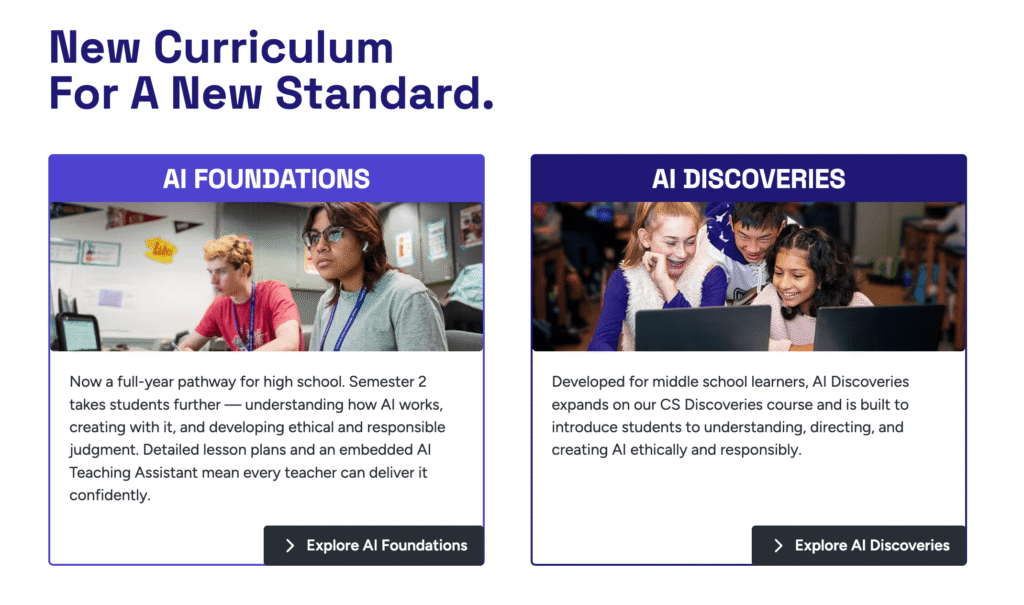
CodeAI offers a full set of curriculum options for elementary, middle, and high school. Students can move from early explorations of how computers and AI work all the way to designing and building with AI in high school courses. Lessons come with step-by-step guidance, slide decks, activity guides, and rubrics. Everything is organized in one place so you’re not piecing things together on a Sunday night.
One of the things I appreciate about these resources is how you don’t need a computer science background to start teaching digital fluency. CodeAI provides professional development and teacher-facing support built for educators without prior experience. This means you can walk into these lessons feeling confident instead of overwhelmed.
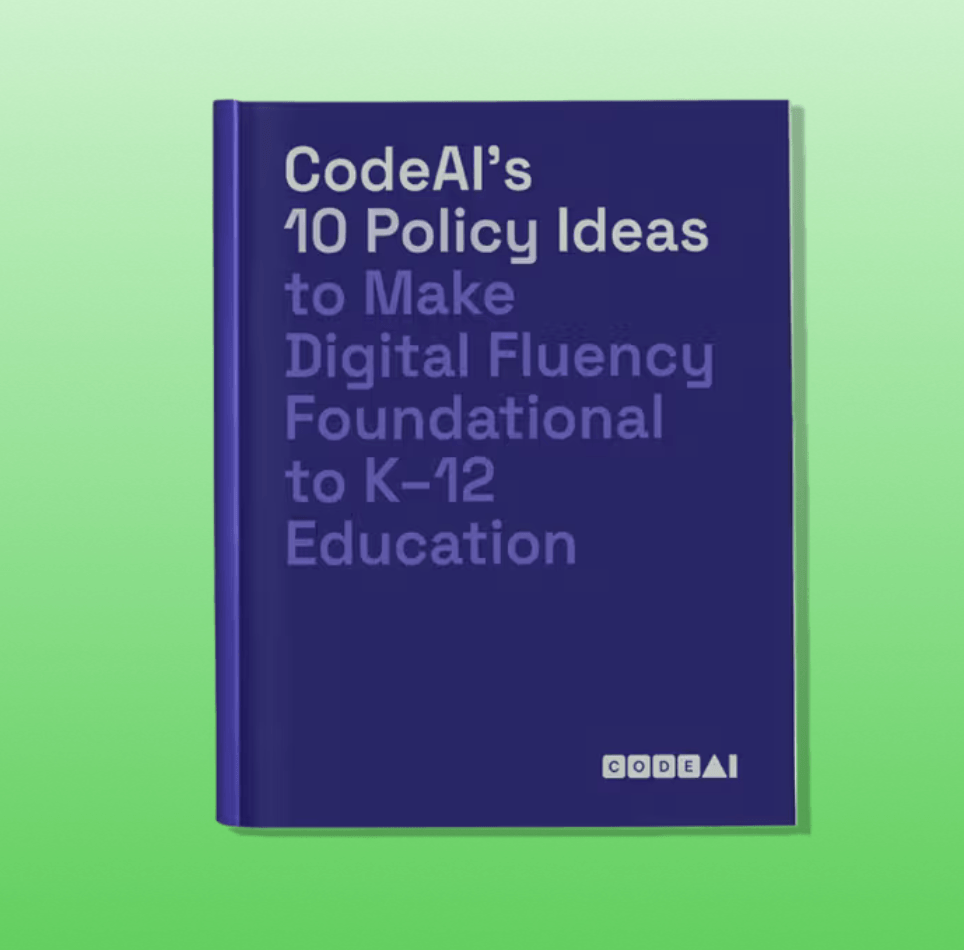
If you’re a school or district leader (or a teacher advocating for change), CodeAI also offers policy frameworks and guidance. These resources can help your school community build a thoughtful, sustainable plan for AI education instead of a patchwork of one-off decisions.
Getting Started with Digital Fluency in Your Classroom
Ready to bring digital fluency to your classroom? Head to the CodeAI website and create a free account. Then spend a few minutes exploring the free curricula and resources. I’m confident that you’ll quickly find an entry point that fits your grade level and comfort zone. That might be a single lesson to try with students this fall, or it might be a full course you bring to your school’s schedule.
Create your free CodeAI account and explore their free curriculum and resources here