What formative assessment strategies are working for you now? That’s a question I often ask when leading professional development for learners. So I’m very excited to lead a new webinar for ScreenPal full of ideas for formative assessment routines you can put into practice in your classroom.
If you have joined me for a webinar or workshop in the past, you probably know that formative assessment is a topic near and dear to my heart. I love to share actionable strategies (ones you can use right away) to help you quickly gather information to inform your future instruction. In the second edition of my book, EdTech Essentials, I even dedicated a whole chapter to “Assess.”
When we talk about assessment, we aren’t just talking about a final grade at the end of a unit. We want to make the most of those small, daily “check-ins” that tell us exactly where a student is in their learning journey.
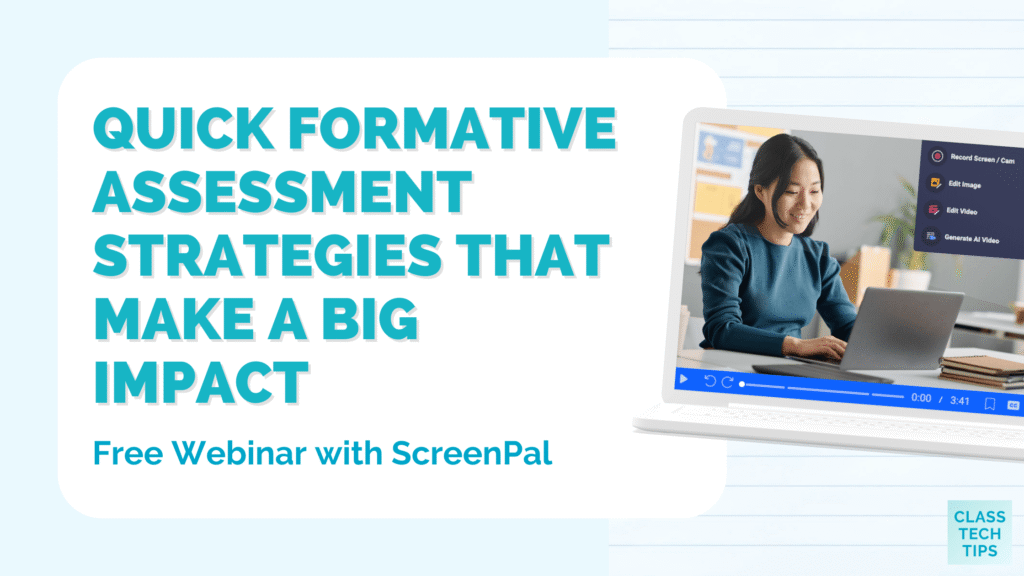
Today on the blog, I am excited to share a new webinar I’m hosting for ScreenPal! It’s called, Quick Formative Assessment Strategies that Make a Big Impact.
UPDATE: The webinar replay is now live! Click the link above to watch the on-demand replay.
Free Webinar: Quick Formative Assessment Strategies
Over the past few years, I’ve had the chance to lead a few webinars for the team at ScreenPal. Here’s a favorite for you to check out. This new webinar takes place on February 27, 2026 at 12:00 PM ET. And if you can’t join live, anyone who signs up will get the replay, too. Here is the official description:
Quick Formative Assessment Strategies that Make a Big Impact
Move away from traditional testing routines and discover simple, effective ways to check for student understanding in real-time. This session focuses on using video reflections and walk-throughs to see exactly how students are thinking, allowing you to adjust your teaching on the fly. We will also show how ScreenPal helps make these activities easy and inclusive for everyone. By using built-in accessibility tools like automatic captions, you can make sure every student can share what they know without extra barriers getting in the way. The strategies we will cover are perfect for K-12 and Higher Ed leaders or curriculum directors who want to improve learning across their schools and teachers who want to pick up practical ideas they can use in class right away.
Watch the webinar replay now >>
Moving Beyond Traditional Testing with Video
As a student, you might have your own memories of blue books where you wrote essays or pop quizzes that brought on plenty of stress on a Monday morning. As a teacher, you know that doesn’t always capture the full picture of what a student knows.
This is where video reflections and walk-throughs come into play. When students record themselves explaining a concept or walking through a problem, you get to see and hear their thinking process. And you get to give feedback in a format that lets students hear your enthusiasm, support, and helpful responses to their work.
Watching a student “thinking out loud” provides deeper data than a multiple-choice answer. You can hear the hesitation in their voice if they’re feeling confused or have low confidence. Or you can hear the excitement in their voice as they put the pieces of a problem together.
Making Assessment Accessible for All
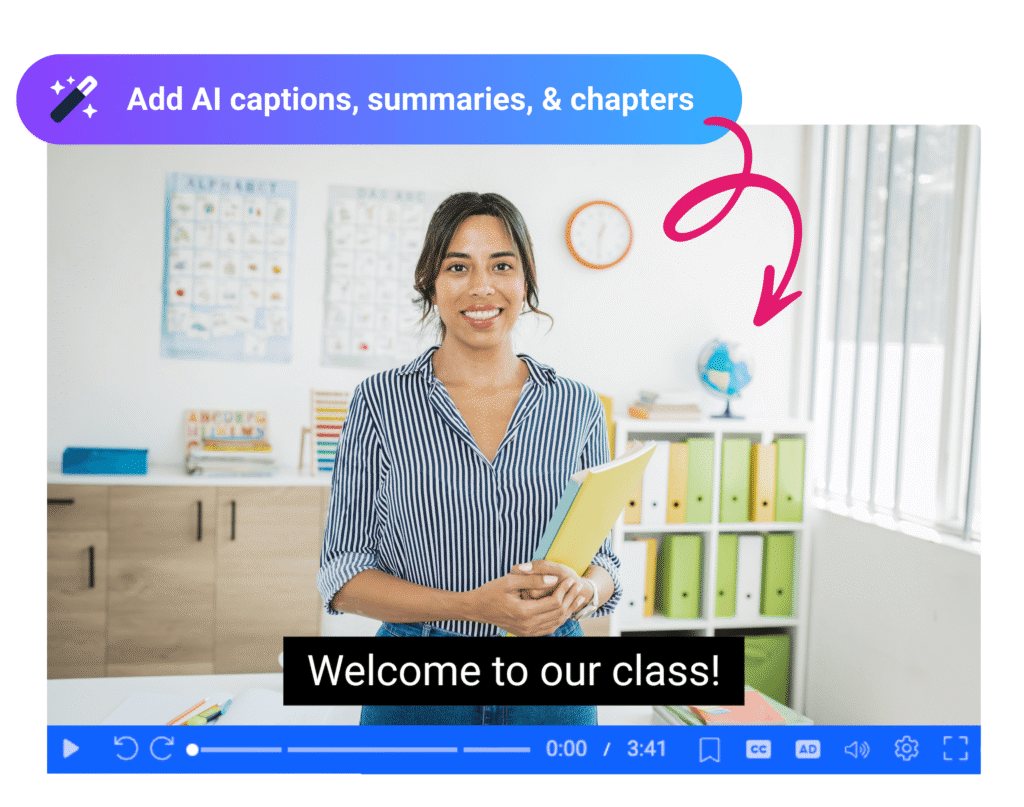
One of the reasons I’m excited to share formative assessment tips with ScreenPal in this new webinar is their commitment to accessibility. They want to make sure that schools and districts have an affordable, scalable way to meet WCAG 2.2 compliance requirements.
This means that features like captioning and audio descriptions are included in their Team plans. Even though individual educators can sign up and start using ScreenPal right away When schools and districts sign up for team plans, educators don’t have to worry about paying out of pocket. Instead, schools and districts can take the lead in making video content accessible for all students.
Tips for Better Formative Assessment
When you join the live webinar or watch the replay, I’ll share plenty of formative assessment tips that you can put into practice right away. If you are looking for ways to refresh your assessment routine this school year, here are a few ideas to get you started:
- Try a “Think-Aloud” Video: Have students record a short video of themselves solving a math problem or explaining a scientific process.
- Focus on Reflections: Use video as a way for students to reflect on what they found most challenging during a lesson.
- Keep it Short: Formative assessment doesn’t need to be long. A 60-second clip is often enough to give you the data you need.
- Prioritize Accessibility: Always ensure your video prompts have captions so every student can engage with the material.
- Create Student Groups: Use the data gathered from these reflections to group students for small-group instruction the next day.
Exciting New Updates from ScreenPal
During the February webinar, I’ll highlight some new updates from ScreenPal, too. Their most recent product updates can make life easier for both teachers and administrators. They have introduced an AI text-to-video generator and a robust online video editor that streamlines the creation process. With the AI text-to-video generator, you describe your video topic, select a tone, and select a duration (like 30 seconds). Then you generate your video script, make any edits that you want, and tap on the “Generate AI Video” button. It’s a super quick way to create custom content to share with students.
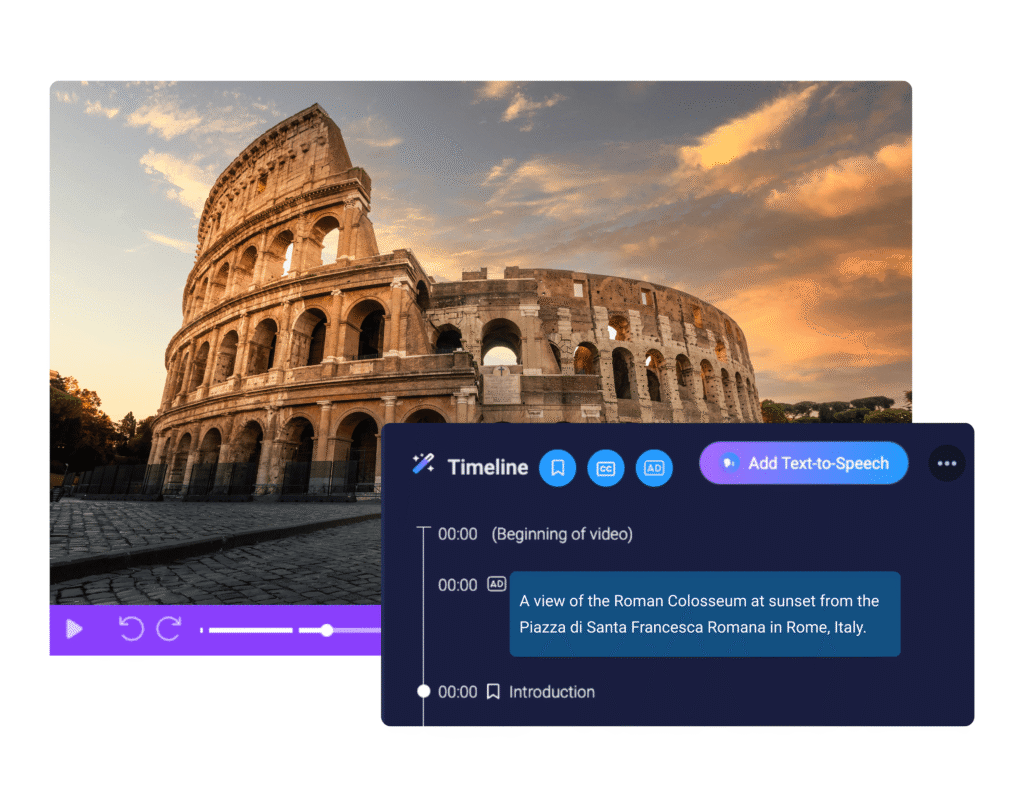
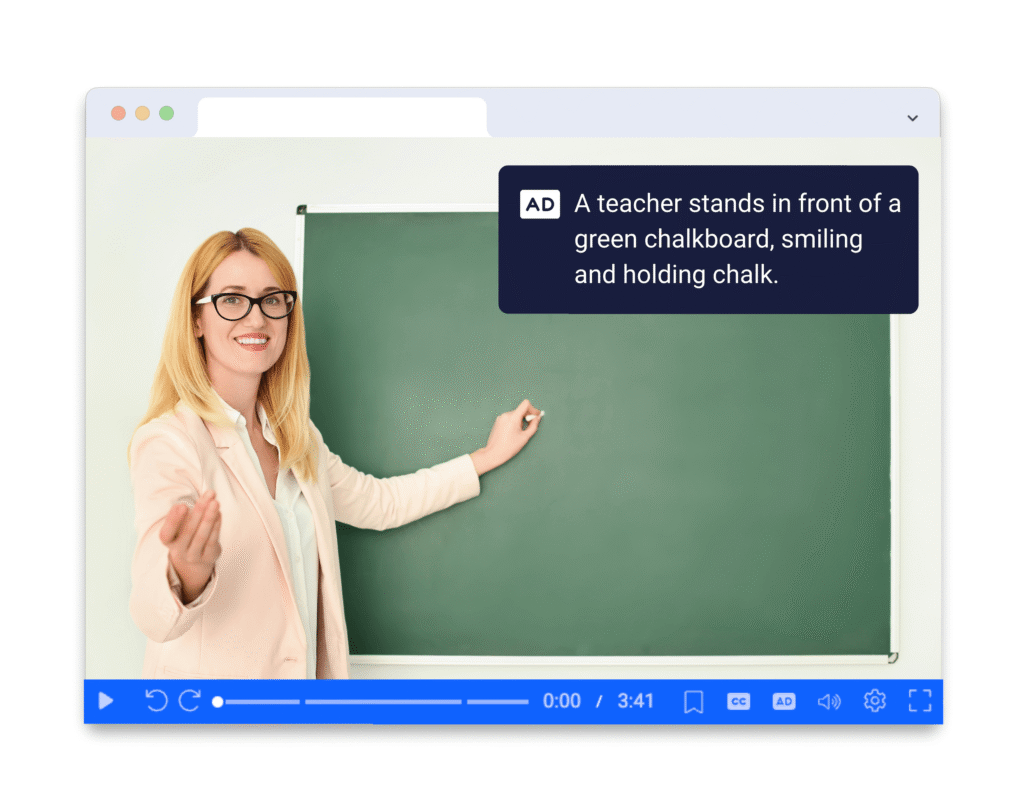
For leadership teams focused on compliance and equity, their new Audio Description Guide and AI-generated audio descriptions are game-changers. Captions display spoken words and sounds as text, however, audio descriptions make visual elements perceivable by turning them into words. These tools ensure that video content is not just engaging, but also fully accessible to students.
Join Me for a Free Webinar
I hope you’ll join me later this month for a brand new webinar with ScreenPal! Here’s the link to grab your spot for Quick Formative Assessment Strategies that Make a Big Impact. During this session, I’ll share lots of Ideas you can put into practice right away, and plenty of ScreenPal tips, including a look at their new updates.
This session is perfect for K-12 and Higher Ed leaders or curriculum directors who want to improve learning across their schools, as well as teachers who want to pick up practical ideas they can use in class right away.
If you can’t make it to the live event, don’t worry! If you sign up for the webinar, you will receive a link to the replay so you can watch it whenever it fits into your schedule.