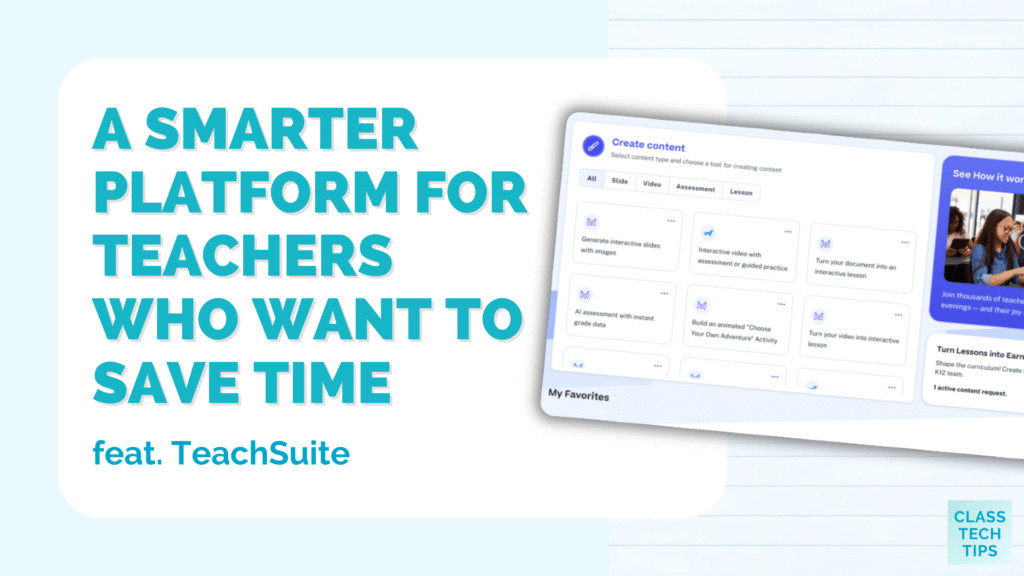
If you have ever found yourself juggling lesson plans in one tab, assessments in another, and student data somewhere else entirely, you are not alone. As a classroom teacher, my digital spaces certainly weren’t very organized. Instead of scattering resources across different tools, TeachSuite can help you move from overwhelmed to organized.
Today on the blog, we’ll take a look at an all-in-one platform that can help you stay organized and save time during the school week. It brings multiple parts of teaching together in one place so you don’t have to log in and out of several websites and bounce from one tab to the next while planning your week.
With TeachSuite, teachers can plan, create, deliver, and reflect on instruction from a single workspace. Let’s take a look at everything you can do with this all-in-one platform for teachers!
The Power of an All-in-One Platform
When teachers talk about wanting an all-in-one platform, they are often describing a tool that reduces friction. Planning lessons, creating materials, delivering instruction, and checking for understanding are closely connected tasks. Yet, they are frequently spread across multiple tools.
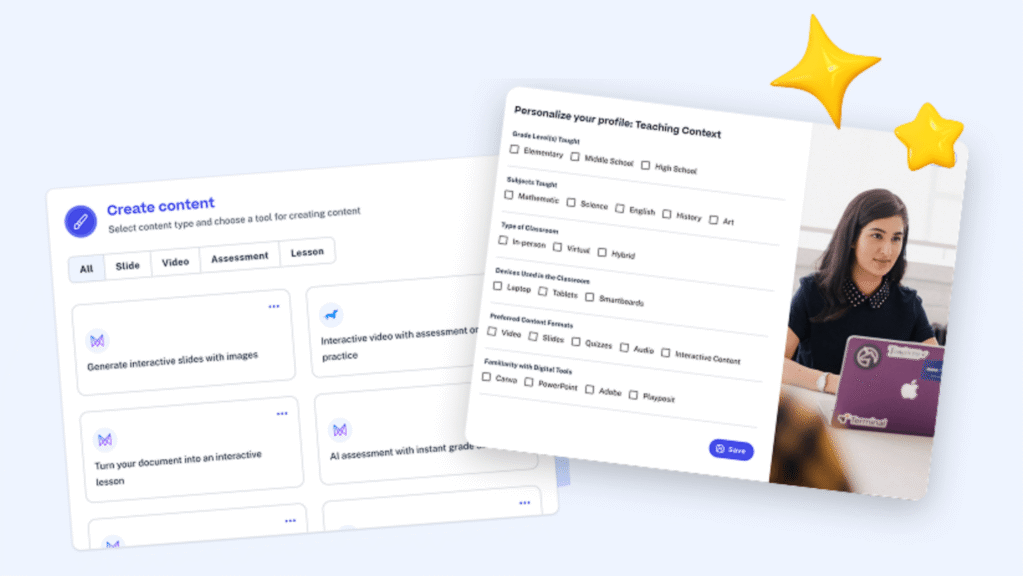
An all-in-one platform brings these pieces together to simplify your workflow. With fewer tools to manage, teachers can spend more time focusing on students and instructional choices.
TeachSuite unifies lesson planning, content creation, delivery, assessment, and data monitoring so everything you need lives in one system—not multiple.
Try TeachSuite for free today >>
Planning, Creating, and Delivering Lessons in One Place
One of the defining features of TeachSuite as an all-in-one platform is the ability to plan, create, and deliver lessons within the same environment. The platform supports lesson planning alongside interactive video, assessments, gamified exercises, and lesson delivery.
Because everything lives in the same system, you can make changes quickly without jumping between multiple websites or different tools. If a lesson needs adjusting midweek or even mid-class, teachers can respond without starting over in a new tool. This flexibility keeps everything connected and accessible in one place, saving you time and making sure you can address the needs of all of your students’ needs in one digital space.
Built for Real Classrooms and Real Needs
TeachSuite was designed with diverse learning environments in mind, including classrooms with varying needs and instructional goals. With over a dozen content creation tools, you are in the driver’s seat to fully customize the learning experience for students. This flexibility allows teachers to adapt lessons for different groups, including those who need additional support or alternative approaches.
If you’ve joined me for a webinar or workshop this year, you know that one of the reasons I love sharing EdTech strategies is to support goals you already have, like differentiation. From supporting individualized instruction to adjusting lessons in real time, TeachSuite offers more than 15 customizable content tools that help teachers respond to a wide range of learner needs.
For educators supporting students with a wide range of needs, an all-in-one platform with this level of customization can make your daily planning more manageable (and save you time in the process). Instead of duplicating work across tools, teachers can adjust materials within the same system.
AI Support With Teachers in Control
The team behind TeachSuite knows that teachers are the experts and artificial intelligence can help support them as they create learning experiences for students. AI plays a role in TeachSuite, but not as a replacement for professional expertise. Instead, TeachSuite uses AI to generate standards-aligned, student-ready lessons quickly.
Teachers can edit and customize every element in a lesson generated with the help of AI. This keeps instructional decisions in the hands of educators, while the AI provides speed. Teachers take the lead and provide context, expertise, and understanding of their students.
Making Sense of Data Without Extra Tools
Data can inform instruction, but only if it is accessible and easy to interpret. When I lead sessions on formative assessment, I often tell teachers that there is no point in collecting data you’re not going to use, and TeachSuite helps tackle this common issue.
One challenge with using multiple tools is that data often lives in separate systems. Teachers then have to piece it together during their limited planning time. TeachSuite embeds formative assessments and real-time data monitoring directly into the platform, so you can view progress instantly!
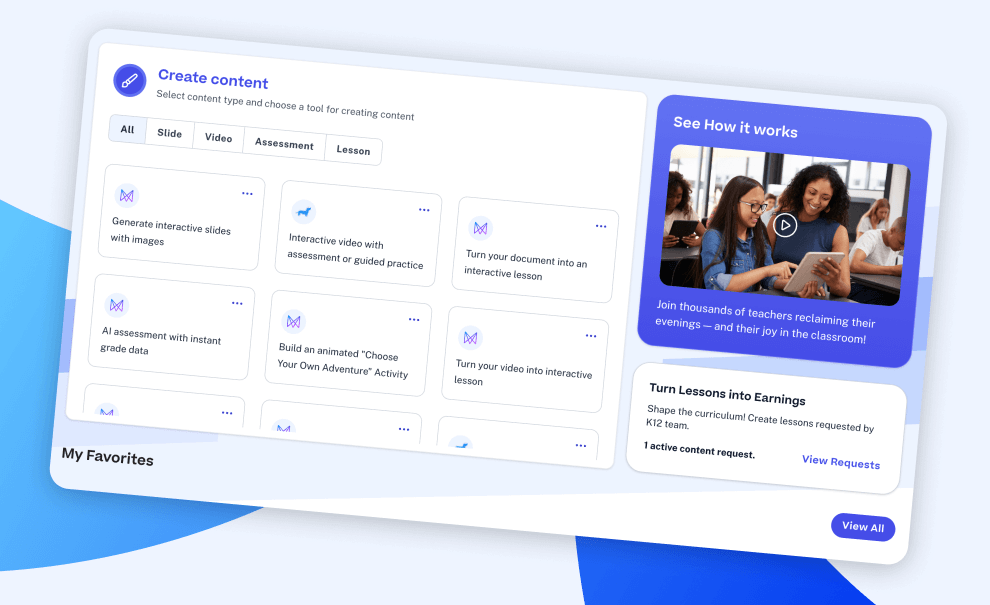
With assessment and instruction in one place, teachers can make real‑time decisions that have a greater impact on learning.
Collaboration Without Starting From Scratch
TeachSuite’s platform for teachers can support collaboration by making it easier to share and reuse effective materials. Teachers can share lessons with colleagues and access lessons created by other educators. This reduces the need to recreate resources that already exist and have proven effective in classrooms.
Time Savings That Add Up
Time is one of the most limited resources for educators. When I first connected with the team behind TeachSuite they gave me a tour of the platform. They shared how teachers using TeachSuite report saving five to six hours per week.
While every classroom is different, an all-in-one platform can help you stay organized and make your workflow smoother. If you’re balancing lesson planning, grading, communication tasks, and differentiation, saving even a small amount of time each day can make a huge difference over the course of a week.
Is an All-in-One Platform right for you?
An all-in-one platform is not about adding more technology to your tech tool belt, it’s about simplifying the technology teachers already rely on. For educators feeling overwhelmed by multiple tools, a platform like TeachSuite offers a different approach.
Thousands of teachers have already signed up to try out TeachSuite and if you want to combine lesson planning, content creation, assessment, and more, into one digital space, you can try it out, too!
The platform is free to try, quick to access, and designed with educators in mind. Use this link to sign up and get started today!