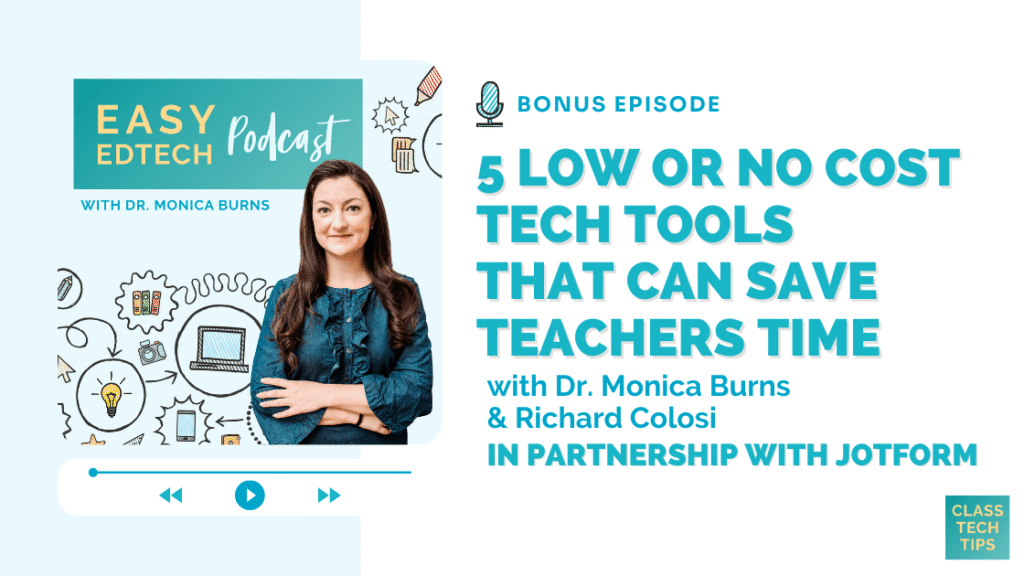
In this episode, I’m joined by Richard Colosi, Instructional Technology Specialist and founder of EdTech Hustle, to explore low or no cost ways technology can save teachers time. You’ll also hear how thoughtful automation, organization, and accessibility features can reduce daily friction and free up mental space for what matters most. If you want to work more efficiently while staying focused on students, this episode has you covered!
Listen to the podcast episode on your favorite platform:
Tips for Low or No Cost Tech Tools That Can Save Teachers Time
- ChatGPT for Teachers offers free, FERPA-compliant AI support through 2027 and helps with differentiation, translation, and writing tasks.
- Notion can streamline planning and organization while Google AI Studio creates multilingual text-to-speech audio.
- Microsoft Clipchamp simplifies video creation with features like a teleprompter, screen recording, and auto-captioning.
- Canva Code allows teachers to generate interactive elements and mini-programs directly inside presentations.
SPONSORED BY JOTFORM
This episode is part of a special bonus series presented by Jotform.
Jotform provides an all-in-one solution to streamline administrative tasks, enhance community engagement, and foster innovation. Using their no-code, drag-and-drop forms and workflows, your teams can securely collect and store data, automate routine tasks, and collaborate on team resources.
Educational institutions are also eligible for a 30% discount on Jotform Enterprise. Head to their website to learn more: jotform.com/enterprise/education/
And a quick note, this episode is part of a special bonus series. You can find the video version exclusively on Jotform’s YouTube network. Check it out here >>
FOLLOW & REVIEW ON APPLE PODCASTS
Have you subscribed to the podcast yet? I don’t want you to miss an episode and hope you’ll keep following along with me on this podcast journey. When you follow along on Apple Podcasts the new episodes will appear in the app so you don’t have to remember to go looking for them… Click here to follow on Apple Podcasts! And if you have a minute for a BIG favor, add a rating and review to the podcast, too — I would certainly appreciate it!
Click to see the transcript
EPISODE RESOURCES
- Connect with Richard Colosi on X (Twitter)
- Check out Richards YouTube Channel EdTech Hustle
- ChatGPT for Teachers
- Notion
- Google AI Studio
- Microsoft Clipchamp
- Canva Code
- Learn more about Jotform