50 Check-In Questions for Students + Free Google Form
Try these 50 check-in questions for students, sorted into daily, weekly, and after-break sets, plus a free reusable Google Form to customize.

I’m a former classroom teacher, and now I spend my time helping educators like you make technology easier. Sometimes that means tools that work behind the scenes to save you time in a low- or no-tech classroom. Sometimes it means choosing the right moment for students to create, collaborate, or show what they know with a digital tool. Either way, the goal is the same: technology that fits your classroom instead of taking it over.
Whether we’ve met at a conference or special event, you’ve followed along with my EdTech tips for years, or simply stopping by for the first time today, I’m so glad you’re here!
“We have had the pleasure of working with Dr. Burns for both regional workshops and conference keynotes. Her facilitation style is both reassuring and welcoming for all who work with her, and her knowledge of the intersection between pedagogy and technology is top-notch. Her message and vision, that our profession will recognize that we have to deeply understand the purpose of implementing a technology tool before we utilize it (the idea of focusing on tasks before apps), is a foundational one for all at this time.”
– Fred Ende, Director of Curriculum & Instructional Services, PNWBOCES

Try these 50 check-in questions for students, sorted into daily, weekly, and after-break sets, plus a free reusable Google Form to customize.


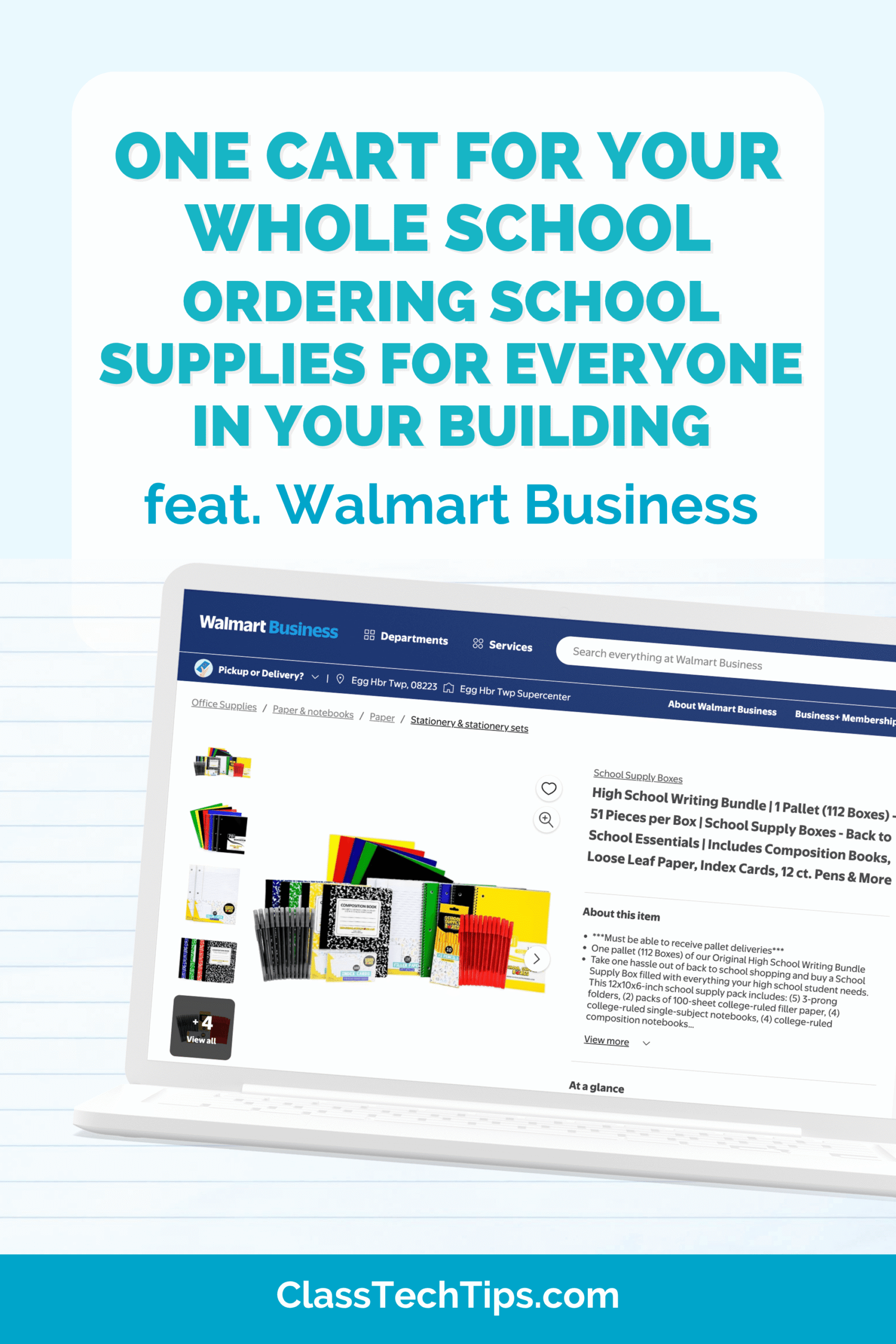
Ordering school supplies for a classroom, library, after school program, or whole building? See how educators in every role can save time.
Explore how Kimberly Tsai helps teachers bring more joy to schools with daily habits, time-saving tech, and digital check-ins.
Turn rough notes into classroom resources with AI, using practical prompts to create rubrics, newsletters, and slides in your voice.
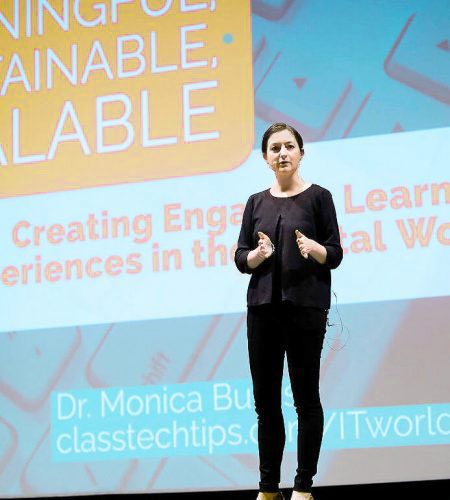
Are you with a school, district, or organization looking for an EdTech expert who makes technology easier for teachers? Bring Monica to your next event to lead a workshop, facilitate a session, or deliver the keynote. Every session is built around practical strategies educators can use tomorrow, in classrooms with lots of tech and classrooms with hardly any.
“EdTech Essentials: The Top 10 Technology Strategies for all Learning Environments by Monica Burns removes all of the clutter of what’s out there and available for teachers and students. Monica shares tons of ideas that put students first in both face-to-face and online learning spaces. This book is filled with practical ideas, resources, classroom examples and reflection opportunities. Readers are sure to walk away with a filled tool belt to help students become more productive, collaborative and innovative. A MUST-read for every educator’s professional toolbox!”
– Dr. Natasha Rachell, Digital Learning Specialist, Atlanta Public Schools
EdTech tips and resources for educators, straight from Monica’s desk every Monday. Don’t miss a thing.